

View Repair

View repair starts with the appliance, model and symptoms. Sections cover TVs. Prepare appliance details and confirm inspection availability, fees and appointments before booking.

Agent Site is an independent repair center — not the manufacturer's authorized service or warranty provider.

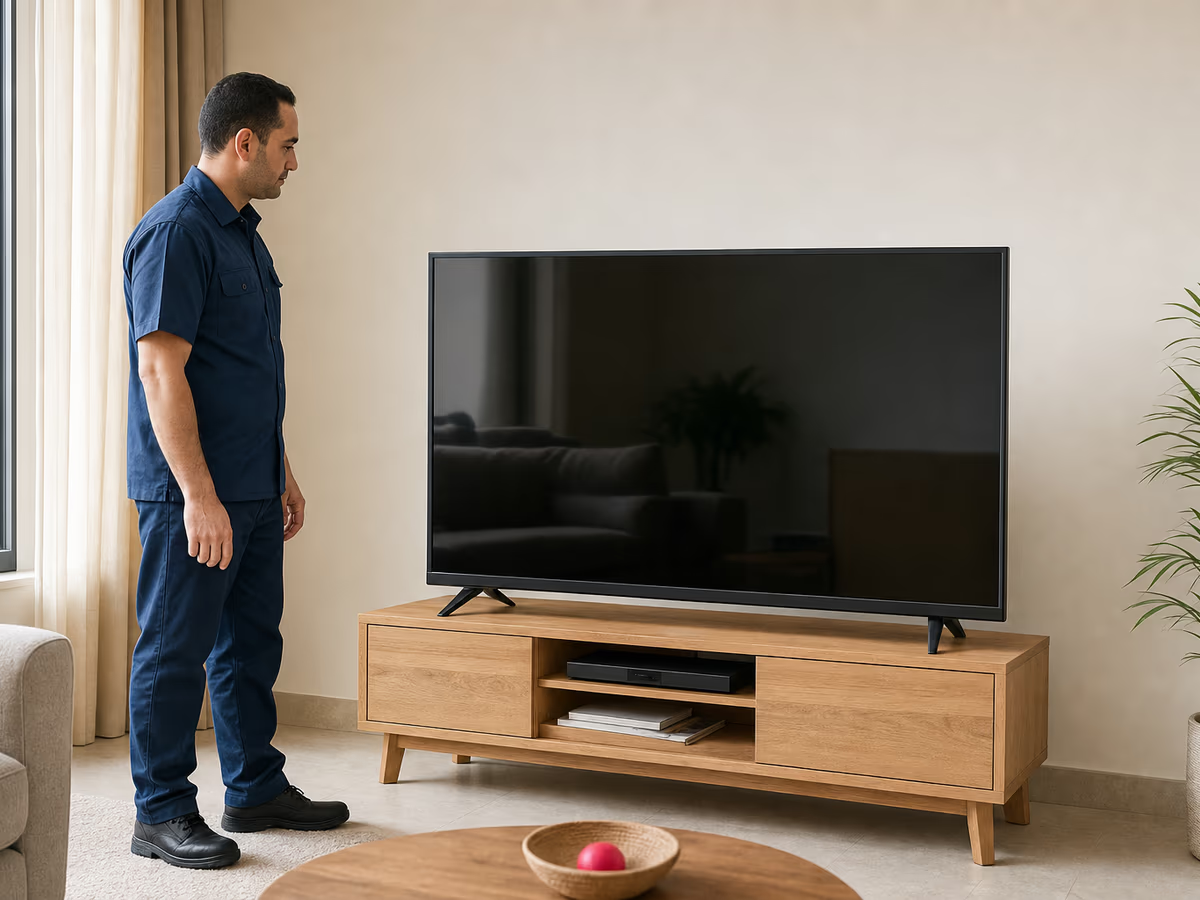
Technician beside television — illustrative service photo
View

Diagnosis with measuring tools before any part is changedVisits at the earliest available slot for your area

  • 6-month written warrantyOn the repair and the replaced part, in writing on the invoice.
  • Visits 9 AM–9 PMHotline 16062 answers calls around the clock.
  • Price before workYou get the repair price after the inspection — no work starts without your OK.
  • Parts with invoiceOriginal or compatible replacement parts, depending on the part and model.

View appliance repair

Pick your appliance to jump to its common faults and what to check before booking.

View repair centre: start with appliance details

television — illustrative photo

Describe picture, sound and indicator state. Does the menu appear, and is only the receiver or every input affected? This helps distinguish source issues from display faults.

Identify View by its label; similarly named ViewSonic manuals are not substitutes. Prepare the model and avoid firmware intended for other products.

View appliances — faults, error codes and repair

For each appliance: common faults and their causes, error codes where published, what you can safely try, and when you need a technician.

View TVs repair

Book a technician

Describing View TVs faults

Describe the problem by source: does the built-in menu appear, and is one input or even the menu affected? This distinguishes source-related issues from conditions requiring TV inspection.

For View TVs repair, prepare the model and problem timing. The matching manual and service availability are checked before a visit; parts are identified after inspection.

television — illustrative photo
Symptoms and inspection notes2

Sound present but no picture

Note menu response and the power indicator; do not press the panel or open the back.

One input has no picture

Check source selection and external connections without using a damaged cable or changing service-menu settings.

Care according to your manual1

Screen care

Follow the manual’s cleaning method and do not spray liquid directly onto the screen or openings.

A question about the problem1

Does no picture mean replacing the whole panel?

That cannot be determined from the description alone. Inspection and input/menu response determine options and cost.

What matters when repairing View

These details help identify the appliance; consult its model manual for specific instructions.

  • Identify the affected function

    Describe working and failed functions and the setting when the problem appeared.

  • Appliance reference

    A safely accessible label photo helps match the manual and part.

What should a repair quote explain?

Compare the work and its justification, not only a part name or total price.

Factor Practices to avoid How Agent Site works
Diagnosis
Choosing a part from a phone description alone
Check the model, symptom and inspection findings
Cost
A price with no scope
Explain inspection, labour and any required parts
Warranty
An unspecified promise
Review written terms for the work and replaced part

View spare parts and repair cost

Part selection needs appliance details and inspection findings. Similar appearance does not prove compatibility; availability and price are checked on request.

Part Device Price
Part identified after inspection Model-specific After reference and availability checks

Review the scope before approval

  • Inspection fees and conditions at booking
  • Labour, parts and any additional work

Booking View repair

Call 16062
  1. Contact customer support

    Have the appliance type, model, location and fault description ready when calling 16062.

  2. Confirm booking details

    Confirm appliance coverage, inspection fees and availability before booking.

  3. Inspection and explanation

    Inspection links symptoms to the appliance condition and identifies proposed work instead of guessing at parts.

  4. Approval and operation check

    Review the quote before work, then check operation, the invoice and warranty terms.

Details to prepare for booking

  • Identification photo

    A clear model and serial-number photo from an accessible label without dismantling.

  • The observed problem

    Describe when the problem began, the affected area and any display message.

  • Location and installation

    State your location and whether the appliance is integrated or access needs planning.

View repair contact and booking questions

How do I book View repair?
Call 16062 or use the WhatsApp link on this page. This books with the service provider identified here; have the model and location ready for customer support to check availability.
What is needed to check View service availability?
Send appliance type, model, location and symptoms. Confirm inspection and appointment details before booking; parts availability follows reference identification.
Can a symptom name determine the price?
The same symptom can have several causes. Check inspection fees at booking; the repair quote follows inspection and identification of any required part.
What is needed to follow up an existing repair?
Have the booking or invoice number, visit date and current fault description ready so customer support can follow the existing case.

View repair in Cairo, Giza and the governorates

Our View repair visits cover the governorates below. Book on 16062 — technician visits daily from 9 am to 9 pm, and we book at the earliest available slot for your area.

  • Cairo
  • Giza
  • Qalyubia
  • Alexandria
  • Matrouh (North Coast)
  • Sharqia
  • Gharbia
  • Dakahlia

Your area is not listed? Call us and we will confirm coverage before booking.

Related appliance categories

View is one of 107 brands we repair — the category pages cover faults and fixes for every brand.

Book View repair

Call 16062 with the appliance type, model and symptom. Customer support will discuss the request and appointment availability.