
Factory reset to clean up the system
TVs
Smart TV Repair
Smart TV repair in Egypt: apps crashing, Wi-Fi dropping, failed updates or an unresponsive remote. Clear price before repair, 6-month written warranty.
Agent Site is an independent repair center — not the manufacturer's authorized service or warranty provider.
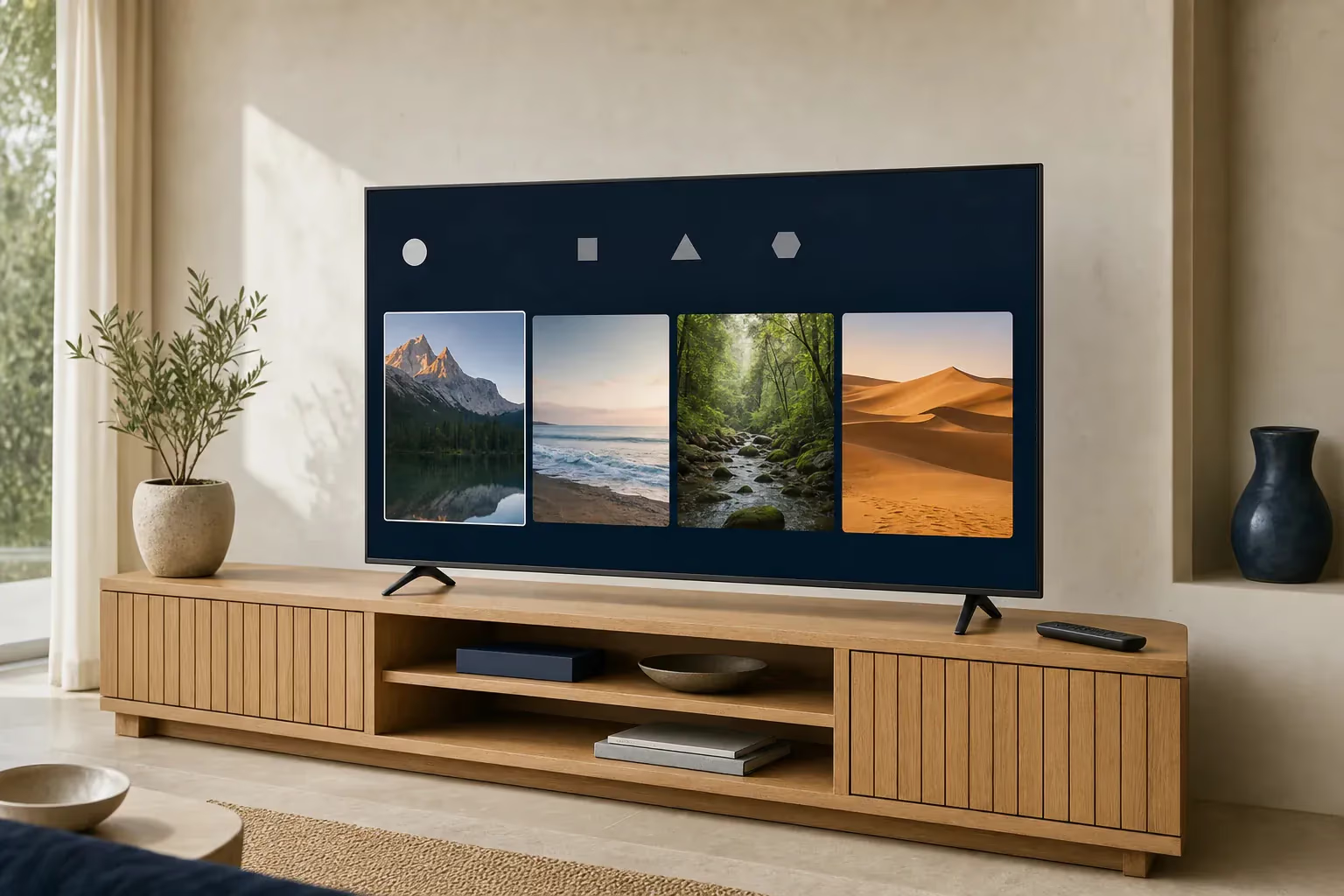
A smart TV has the same hardware as any LED or QLED TV (panel, backlight, boards) plus an operating system and apps. The systems common in Egypt are Google TV / Android TV (Sony, TCL and some Hisense models), webOS on LG, Tizen on Samsung and Vidaa on Hisense. Faults fall into two groups: software (apps crashing, Wi-Fi not connecting, failed updates) and hardware (the same panel, backlight and board faults) — this page focuses on software and connection problems.
Signs your Smart TV needs service
- Apps crash suddenly (Netflix, YouTube)
- Wi-Fi won't connect or keeps dropping
- Apps are slow to load
- System updates fail
- The remote doesn't respond or lags
- Sound out of sync with the picture (lip sync)
- The TV restarts by itself
- No sound in certain apps
Common technical faults
Faults we often meet when servicing this type.
- 01
Storage full of app cache
- 02
Old apps that don't support the latest system update
- 03
A faulty Wi-Fi module on the main board
- 04
Remote not responding: usually the batteries or the remote itself, or a smart remote that needs re-pairing — the TV's Bluetooth module is the last suspect
- 05
TV hardware (processor and memory) too weak for newer updates
- 06
Netflix fails from an external box over HDMI = possibly an HDCP problem in the port or cable; in the built-in app, clear the app data or update the system
- 07
Malware or an app from an unknown source (Android TV)
Smart TV repair services
Clearing the cache and removing unneeded apps
Manual system update via USB
Wi-Fi or Bluetooth module replacement
Diagnosing HDMI and HDCP problems
Installing apps from the official store in place of unknown apps (Android TV)
Setting up Wi-Fi and official streaming apps again
Helping you sign back into your accounts after a reset
Tips to keep your Smart TV running
- Clear app caches from the settings every so often
- Remove apps you don't use
- Update the system when prompted
- Don't install APK files from unknown sources (Android TV)
- Never unplug the TV during a system update; if it gets slow, restart it from the settings
- Use an Ethernet cable instead of Wi-Fi for steadier streaming
- Keep your account passwords somewhere safe before any factory reset
TV fault guides
Fault guides that apply to this type — causes, safe checks and when to call a technician.
Smart TV repair by brand
Pick your brand to see its common faults and error codes.
Smart TV — frequently asked questions
Apps close suddenly — why?
Often the storage is full of cached data. Clear the cache from the settings, delete apps you don't need and update the system. If the problem continues, a factory reset is the last resort (it erases your accounts).
The Wi-Fi keeps dropping — what should I do?
1) Restart the router and the TV. 2) Move the router closer or test a phone next to the TV. 3) Forget the network and join it again. 4) Only if Wi-Fi still drops next to the router while Ethernet works do we check the Wi-Fi module.
Netflix won't play in 4K — why?
4K on Netflix needs the Premium plan, a stable connection of about 15 Mbps and a TV that supports Netflix in 4K. If you are playing from an external device, the port and the device must support HDCP 2.2 and the cable must be High Speed.
The remote stopped working — what's the fix?
1) Try new batteries. 2) For a standard infrared remote, look at its tip through a phone camera while pressing a button — if there is no light, the remote is at fault. 3) For a smart (Bluetooth) remote, re-pair it the way your brand requires (e.g. Samsung: hold Return and Play/Pause together for 3 seconds). 4) The TV's module is the last suspect.
Do you set up streaming apps on the TV?
Yes — we set up official streaming apps (Netflix, Shahid, WATCH IT, YouTube) and the network settings.
Do you install apps that aren't in the app store?
No — we only install apps from the official store, because outside apps can carry malware and damage the system.
Do you work on Android TV, webOS and Tizen?
Yes — on all the smart TV systems common in Egypt.
Other TV types
Need a technician for your Smart TV?
Inspection, a clear price before the repair, and a 6-month written warranty.