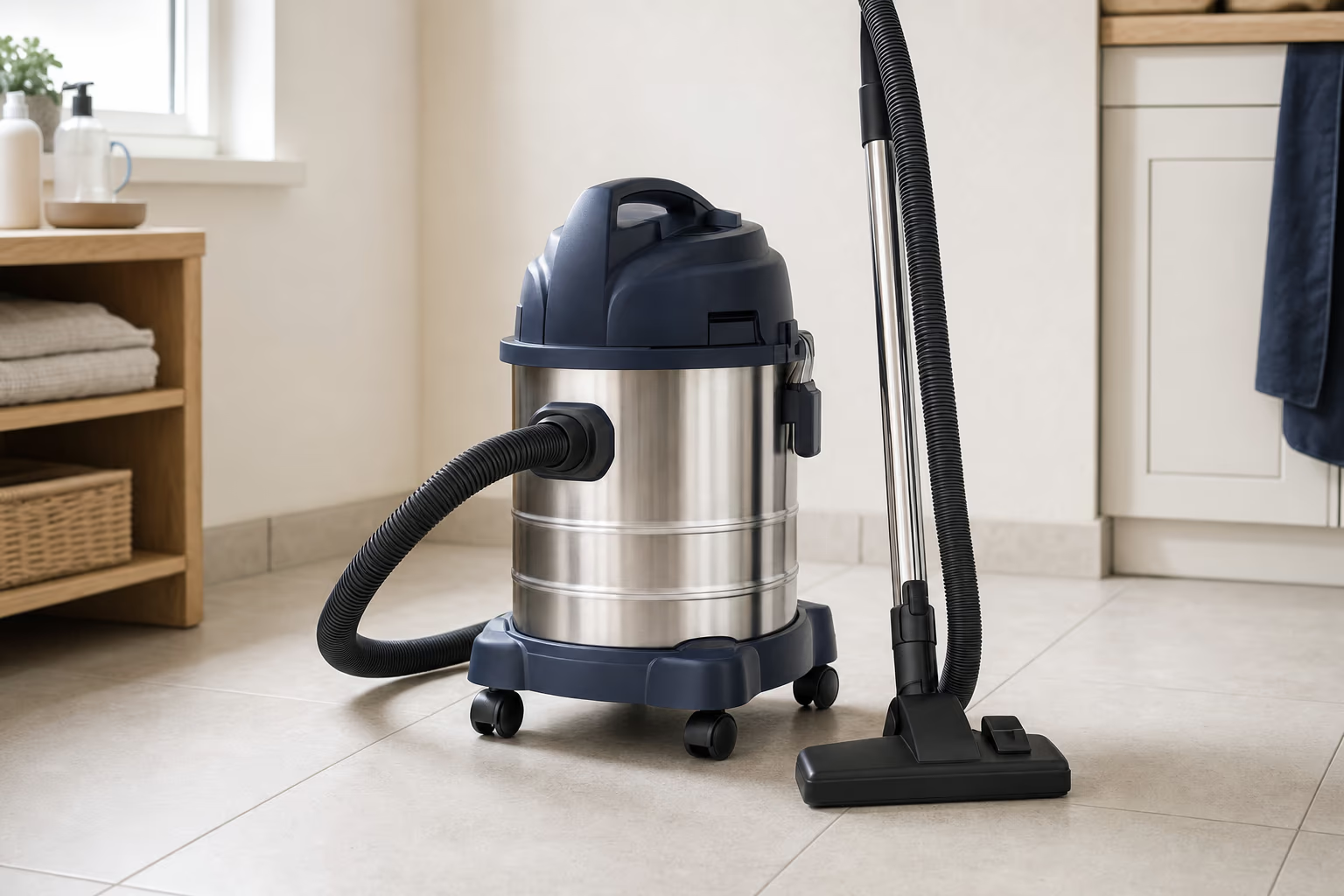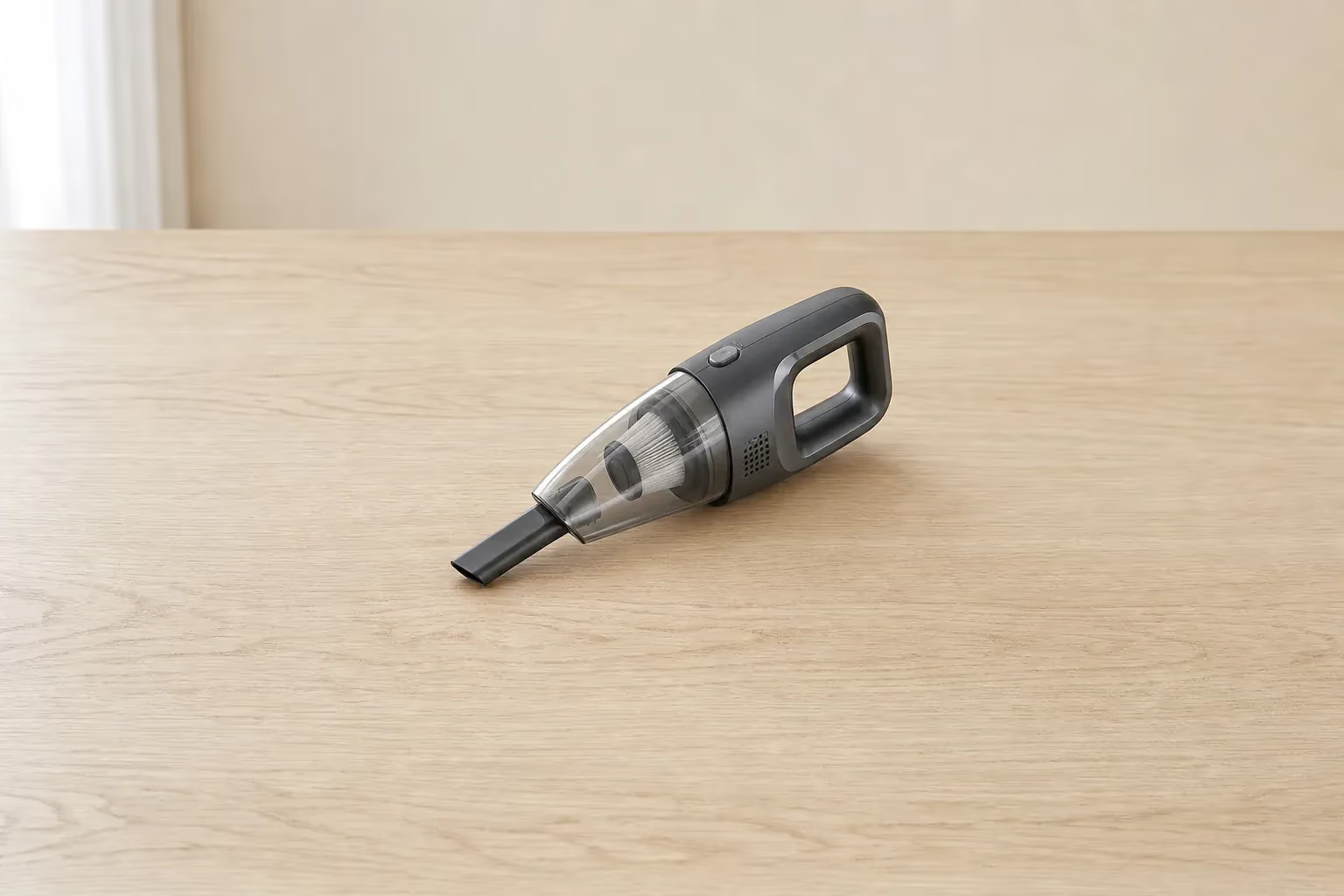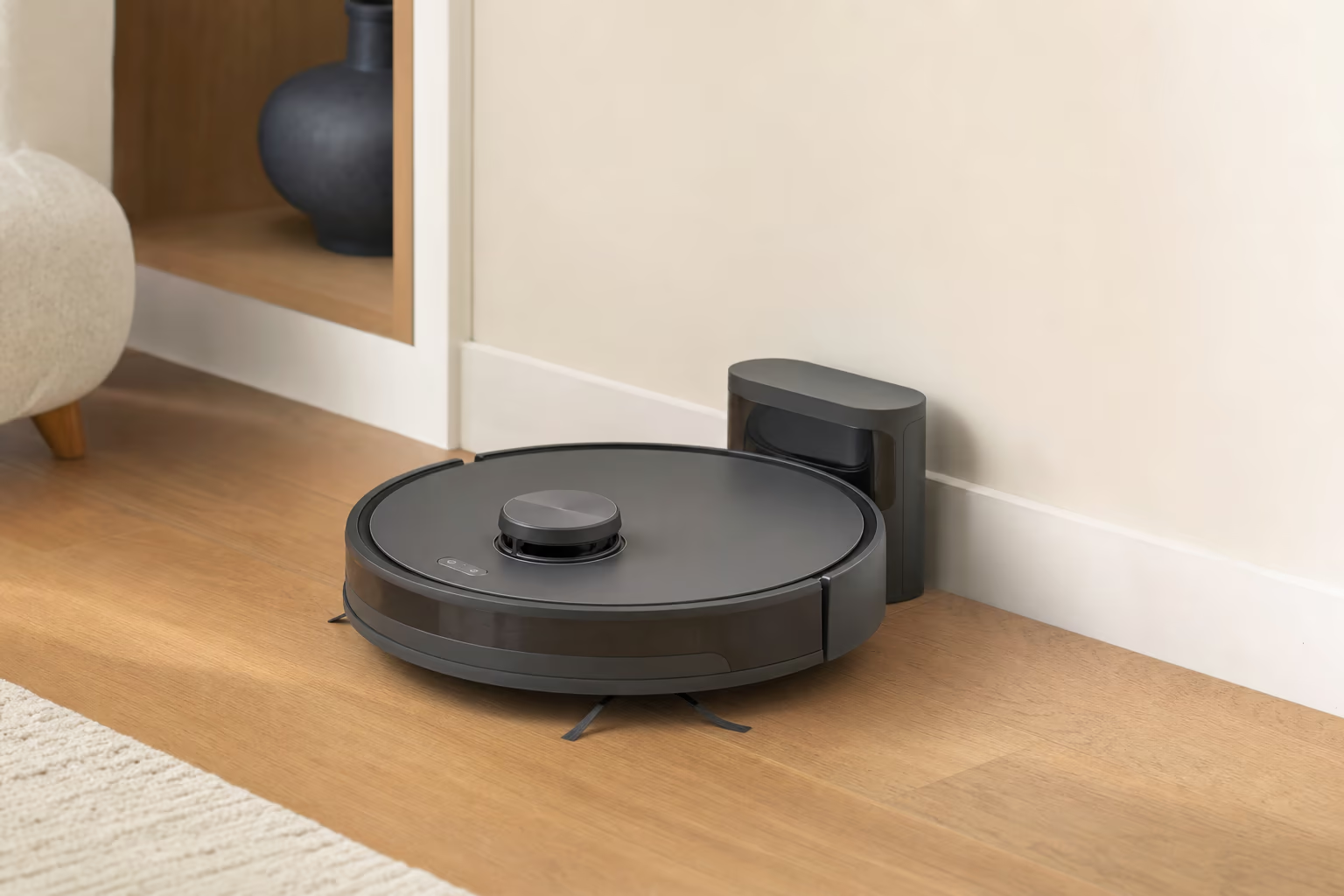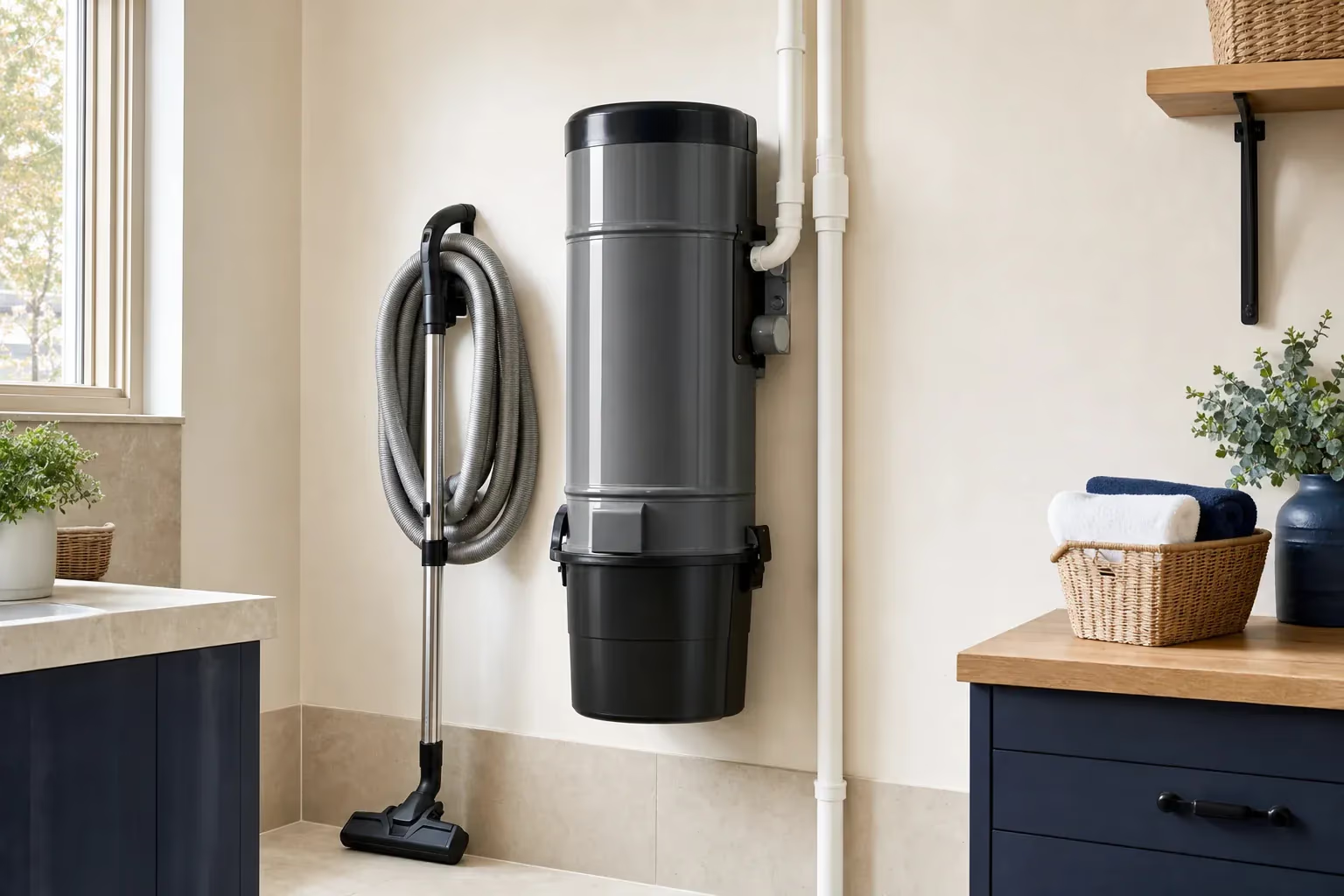
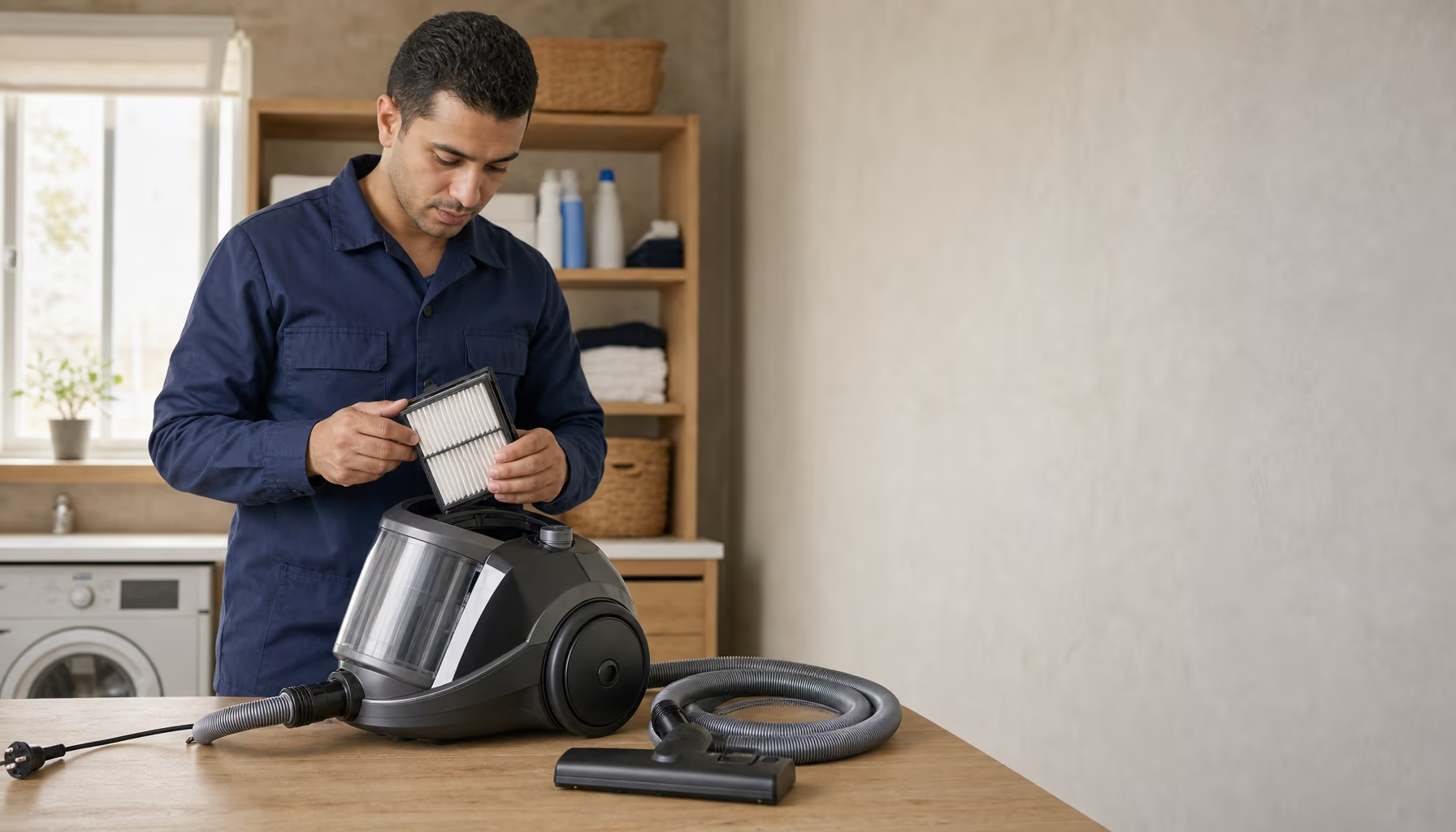
A modern unbranded canister vacuum cleaner on a tidy service table in a home utility room
Calls 24h · Visits 9 AM–9 PM

Vacuum Cleaner Repair in Egypt

Drum, handheld, robot and central vacuum service

6-month written warranty on the repair and the replaced part

Agent Site is an independent repair center — not the manufacturer's authorized service or warranty provider.

6-month warrantyWritten, on repair and part
Daily visits9 AM–9 PM
Spare partsOriginal or compatible
Cordless & robotBatteries, brushes & sensors

Vacuum cleaner repair for all popular brands: motor replacement, batteries for cordless models, HEPA filters, powerhead repair and robot sensor cleaning. We repair models such as the Dyson V15, Samsung Jet, LG CordZero, iRobot Roomba and Xiaomi robots, with a 6-month written warranty and original or compatible parts, depending on the part and model.

Vacuum Cleaner Repair Services

From the canister motor to the cordless battery, from the powerhead to robot sensors — every repair backed by a 6-month written warranty.

Book a service

Vacuum Motor Replacement

Original or compatible motors depending on the model, fitted after a check confirms the motor really is at fault — with a 6-month written warranty.
Cordless Battery Replacement

Original or compatible batteries for models such as the Dyson V8/V11/V15, Samsung Jet and LG CordZero, matched to the model's voltage — with a 6-month written warranty.

Cleaning & HEPA Filters

Internal cleaning and HEPA filter replacement with original or compatible filters. HEPA filters trap fine dust — useful if someone at home has allergies.

Robot Sensor Servicing

Cleaning the cliff and bump sensors and the camera or lidar on robot vacuums, plus fixing mapping and Wi-Fi problems.

Central Vacuum Servicing

Diagnosis and repair of central vacuum systems in villas: weak suction, a power unit that cuts out, a dead inlet or a torn hose.

Office & Shop Vacuums

If the vacuum is used in an office or shop, inspection and repair work the same way: a written price before any work and a 6-month written warranty on the repair.

Offices & shops

Vacuum Cleaners service areas

We cover Cairo, Giza, Qalyubia, Alexandria, Matrouh (North Coast), Sharqia, Gharbia, Dakahlia. Not sure about your area? Call 16062 and we confirm before booking.

  • Cairo
  • Giza
  • Qalyubia
  • Alexandria
  • Matrouh (North Coast)
  • Sharqia
  • Gharbia
  • Dakahlia

Common Vacuum Cleaner Faults & Fixes

A guide to each vacuum fault: symptoms, likely causes, safe checks and when to call a technician.

Weak suction

Simple Vacuum suction suddenly weak? Usually a clogged filter, a full bag or a holed hose. Safe checks before you call a technician.

Weak suction is the most common vacuum fault, and the cause is usually simple: a clogged HEPA filter, a full bag, or a full cyclone bin on bagless models. Cleaning often fixes it; if not, the hose may be holed or the motor weak.

Symptoms

  • Dust isn't picked up from the carpet
  • Suction is much weaker than before
  • The vacuum is loud but has little suction
  • The filter looks very black
  • Dust sits still in the clear cyclone bin instead of spinning
  • The dust bag is full
  • The hose whistles because of a blockage

Likely causes

  1. A HEPA filter clogged with dust (the most common cause)
  2. A full dust bag (bagged models)
  3. A full cyclone bin (bagless models)
  4. A holed hose, even a small hole
  5. A large object blocking the wand
  6. A clogged motor-protection filter
  7. A motor that has weakened with age
  8. Worn motor carbon brushes

Safe checks before you call a technician

  1. Change the bag or empty the bin Unplug the vacuum first. Replace paper bags when they are full — they are not meant to be emptied and reused. Empty a clear bin when it reaches the MAX line.
  2. Clean the HEPA filter Take out the HEPA filter. If it is washable, rinse it in cold water and let it dry for 24 hours before refitting it. If not, replace it.
  3. Check the hose Detach the hose and inspect it end to end. If it has a hole, it can be repaired with heat-shrink tubing or replaced.
  4. Check the wand Look inside the metal wand. If something is stuck in it, remove it.

When to stop and call a technician

  • You have cleaned everything and suction is still weak
  • The motor makes an odd noise
  • You smell burning — unplug it
  • The motor carbon brushes need replacing
Call now 16062

Vacuum Cleaner types where this fault is common: Drum Vacuum CleanerHandheld Vacuum CleanerRobot VacuumCentral Vacuum System

Burnt-out vacuum motor

Technician Vacuum motor burnt out or smelling of burning? Unplug it now. Replacement with an original or compatible motor and a 6-month written warranty.

The motor creates the suction. If it burns out, the vacuum either won't start or runs with very weak suction. Common causes: heavy use with clogged filters, sucking up water or liquids (dangerous), power surges, or simply the end of the motor's life.

Symptoms

  • The vacuum won't run at all
  • A strong electrical burning smell
  • Smoke from the motor
  • A hum, but the motor doesn't turn
  • The home breaker trips when you switch it on
  • The motor starts and stops straight away (thermal protection)
  • A grinding noise from the motor

Likely causes

  1. A motor burnt out from neglected filters
  2. Water or liquid sucked up (short circuit)
  3. A power surge that burnt the motor windings
  4. A motor at the end of its life
  5. Worn carbon brushes that were never replaced
  6. A blown thermal fuse

Safe checks before you call a technician

  1. Unplug immediately Unplug the vacuum straight away (on cordless models, take the battery out if it is removable). Don't run the vacuum if you smell burning — fire risk.

When to stop and call a technician

  • Any motor fault: call a technician
  • You smell burning
  • The home breaker trips
  • There is smoke
Call now 16062

Vacuum Cleaner types where this fault is common: Drum Vacuum CleanerHandheld Vacuum CleanerRobot VacuumCentral Vacuum System

Battery not charging

Medium Cordless vacuum battery not charging or draining fast? The battery, the charging dock or the charging circuit — and when to stop charging at once.

The battery is the heart of a cordless vacuum. If it won't charge or runs down quickly, the usual causes are a battery that has worn out, a faulty charging dock, or the vacuum's charging circuit. If the battery is swollen or gets very hot, stop charging immediately.

Symptoms

  • The battery won't take a charge
  • The battery runs down very quickly
  • The battery light doesn't come on
  • Charging stops suddenly
  • The battery gets very hot while charging
  • The charging dock blinks oddly
  • The vacuum runs on the dock but dies as soon as you lift it off

Likely causes

  1. A battery worn out with age (the most common cause)
  2. A faulty or dirty charging dock
  3. A faulty charging circuit in the vacuum
  4. A damaged charger cable
  5. Corroded battery contacts
  6. A battery left flat for months (this damages the cells)
  7. A faulty battery management board (BMS)

Safe checks before you call a technician

  1. Stop if the battery is swollen First: if the battery is swollen, gets very hot or smells odd, stop charging and using it immediately, keep it away from anything flammable and call a technician.
  2. Clean the contacts Unplug the charger, then wipe the charging contacts on the battery and the dock with a dry cloth — dust can stop it charging.
  3. Charge with its own charger Give the battery a full charge with the charger that came with the vacuum or one made for your model. If it won't charge with a charger you know works, the battery or the charging circuit is at fault.

When to stop and call a technician

  • It still won't charge after these checks
  • The battery gets very hot (danger)
  • The charging circuit needs checking
  • The battery is swollen — don't charge it
Call now 16062

Vacuum Cleaner types where this fault is common: Handheld Vacuum CleanerRobot Vacuum

Powerhead brush not spinning

Simple Vacuum powerhead brush not spinning? Usually hair wrapped around it, or the belt or the brush motor.

The powerhead is the spinning brush in the vacuum head that lifts dirt out of carpets. If it stops spinning, the usual cause is hair wrapped around it; sometimes a broken belt or a faulty brush motor. Cleaning it is simple, and you can do it yourself once the vacuum is unplugged.

Symptoms

  • The brush doesn't spin
  • The brush turns only with difficulty
  • Lots of hair wrapped around the brush
  • A grinding noise from the head
  • A light flashing on the head
  • A broken belt
  • A metallic scraping sound

Likely causes

  1. Hair wrapped around the brush (the most common cause)
  2. A broken or slack belt (belt-driven models)
  3. A faulty brush motor
  4. Worn brush bearings
  5. Something caught in it (a thread, a bead)
  6. The powerhead's electrical connection to the wand is loose
  7. A faulty powerhead switch

Safe checks before you call a technician

  1. Unplug the vacuum Unplug the vacuum before touching the brush; on cordless models, take the battery out first.
  2. Remove the brush Remove the brush roll (on most models it releases with a button or a side cover — see the manual), then cut the hair away carefully with small scissors.
  3. Check the belt If the brush is belt-driven, inspect the belt. If it is broken or worn, replace it.
  4. Check the connection With the vacuum unplugged, make sure the head is clicked firmly onto the wand and the connector is clean.

When to stop and call a technician

  • Cleaning didn't help
  • The brush motor is faulty
  • The bearings are worn
Call now 16062

Vacuum Cleaner types where this fault is common: Drum Vacuum CleanerHandheld Vacuum CleanerRobot Vacuum

Power cord rewind broken

Technician Canister vacuum cord won't rewind? Usually the rewind reel or its spring. Don't force the cord — the repair is a technician's job.

Canister vacuums have a reel that pulls the cord back in when you press the button. If it stops rewinding, the reel or its spring has usually failed, and the repair means opening the vacuum to replace the spring or the lock.

Symptoms

  • The cord doesn't retract when you press the button
  • It retracts part of the way, then stops
  • It retracts very slowly
  • A clicking sound but no rewinding
  • The rewind button is loose or broken
  • The cord is hard to pull out

Likely causes

  1. A broken rewind spring
  2. A worn reel mechanism
  3. The cord is tangled inside
  4. A faulty rewind button
  5. A damaged cord lock

Safe checks before you call a technician

  1. Don't force the cord Don't yank the cord to make it rewind — you will make it worse. Unplug the vacuum and coil the cord loosely by hand until it is repaired.

When to stop and call a technician

  • Any rewind fault: call a technician
  • The repair means opening the vacuum
Call now 16062

Vacuum Cleaner types where this fault is common: Drum Vacuum Cleaner

Holed or broken hose

Simple Vacuum hose holed or broken and suction has dropped? How to find the leak, and when to repair or replace it.

A holed hose weakens suction because air leaks in through the hole instead of being drawn through the brush. A small hole can be fixed with heat-shrink tubing; for a large hole or several, replacement is cheaper.

Symptoms

  • Weak suction even with clean filters
  • A hissing sound from the hose
  • Air escaping at one spot
  • The hose creaks abnormally
  • The spiral wire inside the hose is broken
  • Dust escaping from the hose

Likely causes

  1. Holed by being dragged over sharp edges
  2. Cracked from repeated bending
  3. A broken internal spiral wire (the hose collapses)
  4. Hose connectors loose at the body
  5. An old, worn hose
  6. Crushed under something heavy

Safe checks before you call a technician

  1. Look it over With the vacuum unplugged, carefully inspect the hose end to end for small holes, cracks or weak spots.
  2. Hand test Run the vacuum and pass your hand along the outside of the hose. If you feel air being drawn in at one spot, that is where the hole is.
  3. Temporary fix For a small hole, wrap strong electrical tape around it as a temporary fix until you replace the hose.

When to stop and call a technician

  • The hose is completely broken
  • There are several holes
  • The internal spiral wire is broken
Call now 16062

Vacuum Cleaner types where this fault is common: Drum Vacuum CleanerCentral Vacuum System

Vacuum won't start

Medium Vacuum completely dead when you switch it on? The cord, the switch, an internal fuse or the motor. Unplug it before checking the cord.

If the vacuum shows no sign of life, the usual causes are a power cord damaged by repeated pulling, a faulty on/off switch, a blown internal fuse, or the thermal protection having tripped. Anything inside is a technician's job.

Symptoms

  • No response when you press the power button
  • No sound from the motor
  • No light on the floor head
  • The switch feels loose
  • The power cord is visibly damaged
  • The socket works with other appliances but not the vacuum
  • The home breaker trips when you plug the vacuum in

Likely causes

  1. A damaged power cord (the most common cause — from repeated pulling)
  2. A faulty on/off switch
  3. A blown internal fuse
  4. Completely worn carbon brushes
  5. A burnt-out motor
  6. A damaged plug
  7. The thermal protection has tripped from overheating

Safe checks before you call a technician

  1. Unplug, then check the cord Unplug the vacuum first, then check the cord from the plug to the vacuum. If it is cut or the wires show, stop using it — don't tape it; it needs replacing.
  2. Let it cool If the vacuum was running and suddenly stopped, the thermal protection may have tripped. Unplug it, let it cool for 30 minutes, clean the filters, then try again.
  3. Check the socket Plug another appliance (a lamp or a charger) into the same socket. If it works, the socket is fine.

When to stop and call a technician

  • The power cord is damaged
  • The switch needs replacing
  • An internal fuse has blown
Call now 16062

Vacuum Cleaner types where this fault is common: Drum Vacuum CleanerHandheld Vacuum CleanerCentral Vacuum System

Vacuum overheating and shutting off

Medium Vacuum cutting out after a few minutes? Its thermal protection switches the motor off when it overheats — usually because of clogged filters.

Vacuums have thermal protection that switches the motor off if it gets too hot. Causes: clogged filters (the motor has to work harder), cooling vents blocked with dust, or a motor close to burning out. Filters are the usual culprit, and cleaning them usually solves it.

Symptoms

  • The vacuum cuts out after 5–10 minutes
  • The body gets very hot
  • A hot smell from the motor
  • An unusual motor sound
  • You have to wait half an hour before it will restart
  • Blocked cooling vents

Likely causes

  1. Clogged filters making the motor work harder
  2. A full dust bag
  3. Blocked motor cooling vents
  4. A clogged motor-protection filter
  5. A blocked hose starving the motor of air
  6. Worn carbon brushes causing friction
  7. A motor near the end of its life

Safe checks before you call a technician

  1. Let it cool Unplug the vacuum and let it cool completely for 30–60 minutes before trying again.
  2. Clean the filters Replace the bag or empty the bin, and clean the HEPA and motor-protection filters — every filter needs to be clean.
  3. Check the cooling vents Check the cooling vents on the body (usually at the back or sides) and clear the dust from the outside.

When to stop and call a technician

  • It still cuts out after cleaning
  • The carbon brushes need replacing
  • The motor makes an odd noise
Call now 16062

Vacuum Cleaner types where this fault is common: Drum Vacuum CleanerHandheld Vacuum Cleaner

Loud unusual vacuum noise

Medium Vacuum grinding or whistling? Worn motor bearings or something stuck. Check the inlet and the filters only — don't open the motor.

If your vacuum suddenly sounds different, or starts grinding or whistling, something is wrong. Causes: worn motor bearings, a metal object caught in the suction fan, worn carbon brushes, or a bent fan.

Symptoms

  • A constant grinding noise
  • A loud whistle while running
  • Vibration noise from the motor
  • A metallic rattle (something stuck)
  • The noise is getting louder over time
  • A scraping sound from the motor side
  • The fan sounds abnormal

Likely causes

  1. Worn motor bearings
  2. A metal object caught in the suction fan (a nail, a coin)
  3. Worn carbon brushes
  4. A bent suction fan
  5. Something caught in the cooling fan
  6. A loose motor mount

Safe checks before you call a technician

  1. Unplug and check from outside Unplug the vacuum (take the battery out on cordless models). Empty the bag or bin and check the inlet and the filters only. If the metallic noise comes from inside the motor, don't open it — call a technician.

When to stop and call a technician

  • Worn bearings
  • The carbon brushes need replacing
  • The suction fan is bent or has something caught in it
Call now 16062

Vacuum Cleaner types where this fault is common: Drum Vacuum CleanerHandheld Vacuum CleanerCentral Vacuum System

Dust leaking from vacuum

Simple Dust blowing out of the vacuum while it runs? A cracked filter, a worn seal or a torn bag.

If dust is blowing out of the exhaust instead of collecting in the bag or bin, a filter is damaged or a seal isn't closing properly. That fine dust ends up back in the air at home — get it fixed soon, especially if someone in the house has allergies.

Symptoms

  • Dust coming out of the exhaust
  • Visible dust in the air from the vacuum
  • The room is dusty after vacuuming
  • A cracked or holed HEPA filter
  • A worn cyclone seal
  • The bag is torn or not fitted properly

Likely causes

  1. A cracked or holed HEPA filter
  2. A HEPA filter not seated properly
  3. A worn cyclone seal or gasket
  4. A torn dust bag
  5. A missing motor-protection filter
  6. An exhaust filter (on some models) that needs cleaning or replacing

Safe checks before you call a technician

  1. Inspect the HEPA filter Take out the HEPA filter and inspect it. If it is cracked or holed, replace it.
  2. Check the bag On bagged models, check that the bag isn't torn and is fitted correctly, and replace it with a new bag made for your model.
  3. Check the seals Inspect the cyclone seals or gaskets. If they are worn, they need replacing.

When to stop and call a technician

  • The HEPA filter needs replacing
  • The seals are worn
  • The leak continues even after cleaning the filters
Call now 16062

Vacuum Cleaner types where this fault is common: Drum Vacuum CleanerHandheld Vacuum CleanerCentral Vacuum System

Robot vacuum getting stuck

Medium Robot vacuum stopping or going round in circles? Dirty sensors, jammed wheels or a map that needs redoing.

A robot that stops suddenly or spins in circles usually has dirty or faulty sensors, or a corrupted map. Causes: dirty cliff sensors, faulty bump sensors, a dusty camera or lidar, or wheels jammed with hair.

Symptoms

  • The robot stops and shows an error code
  • It goes round in circles
  • It bumps into furniture
  • It falls down the stairs (faulty cliff sensor!)
  • It heads back to the dock early with a full battery
  • It doesn't map the rooms correctly
  • The brush spins but the robot doesn't move

Likely causes

  1. Dirty cliff sensors (underneath)
  2. Faulty bump sensors
  3. A dusty or broken camera or lidar
  4. Wheels jammed with hair
  5. A faulty wheel motor
  6. A map that needs resetting in the app
  7. Firmware that needs updating

Safe checks before you call a technician

  1. Clean the sensors Switch the robot off, turn it over and wipe the cliff sensors (the small dark windows underneath) with a dry cloth.
  2. Clean the camera Wipe the camera or the lidar turret on top with a dry cloth.
  3. Clean the wheels Check the wheels underneath and remove any wrapped hair.
  4. Reset the map In the app, delete the old map and let the robot create a new one.

When to stop and call a technician

  • The sensors need replacing
  • The camera or lidar is faulty
  • A wheel motor is faulty
Call now 16062

Vacuum Cleaner types where this fault is common: Robot Vacuum

Robot won't connect to Wi-Fi

Simple Robot vacuum won't connect to Wi-Fi or the app can't find it? Check for a 2.4 GHz network and pair it again from scratch.

If the app can't see the robot or the Wi-Fi keeps dropping, the usual causes are: pairing never completed, the router is on 5 GHz only (most robots support 2.4 GHz only), or a faulty Wi-Fi module in the robot.

Symptoms

  • The app can't find the robot
  • Wi-Fi keeps dropping
  • Pairing fails
  • The robot shows as offline in the app
  • No remote control from the app
  • The voice assistant (Alexa/Google) doesn't work
  • Firmware updates fail

Likely causes

  1. The router is on 5 GHz only (the robot needs 2.4 GHz)
  2. Pairing didn't complete
  3. An outdated app that needs updating
  4. A faulty Wi-Fi module in the robot
  5. The router is too far from the robot
  6. A wrong Wi-Fi password
  7. An IP address conflict

Safe checks before you call a technician

  1. Enable 2.4 GHz In the router settings, make sure the 2.4 GHz network is on (not just 5 GHz).
  2. Update the app Update the robot's app from the App Store or Google Play.
  3. Pair it again Remove the robot from the app and pair it again from scratch, following the steps in your model's manual.
  4. Restart the router Unplug the router for a minute and plug it back in.

When to stop and call a technician

  • Pairing still fails after all these steps
  • The robot's Wi-Fi module is faulty
  • The app isn't available for your model
Call now 16062

Vacuum Cleaner types where this fault is common: Robot Vacuum

How We Work

  1. 01

    Call or WhatsApp

    Reach us on 16062 or WhatsApp 01050887010, and describe the problem in a minute.

  2. 02

    Your visit is scheduled

    Technician visits daily from 9 AM to 9 PM — at the earliest available slot for your area.

  3. 03

    Diagnosis + written quote

    Instrument-based diagnosis and a written quote — set after inspection, before any work.

  4. 04

    The repair

    Original or compatible replacement parts, depending on the part and model, with a test run before handover.

  5. 05

    6-month written warranty

    Official invoice + 6-month written warranty on the repair and the replaced part.

Book your vacuum cleaner service

at the earliest available slot for your area

  • 6-month written warranty on the repair and the replaced part
  • Technician visits daily from 9 AM to 9 PM
Call now16062

Your service details

We save your request and call you to confirm the appointment; WhatsApp opens with the details too.

Vacuum Cleaner Repair — Frequently Asked Questions

The questions that come to mind before requesting vacuum cleaner repair.

How much does vacuum cleaner repair cost?

The cost is set after the technical inspection. The technician inspects the vacuum and gives you a written price before any work — a formal invoice and a 6-month written warranty.

What is the response time for vacuum cleaner repair?

Visits run daily from 9 AM to 9 PM, at the earliest available slot for your area. The 16062 hotline answers 24 hours a day and books your visit.

Do you work on every vacuum cleaner brand?

Yes — the popular international and local brands: Samsung, LG, Bosch, Philips, Toshiba, Sharp, Fresh, Dyson and others — with original or compatible parts, depending on the part and model.

Is there a warranty on the repair?

A 6-month written warranty on the repair and the replaced part + a formal invoice. If the same fault comes back within that period, the warranty covers it.

Do you install new vacuum cleaners?

Our core work is vacuum cleaner repair. For central vacuum systems in villas we service existing systems — if you need a new system installed, call 16062 and we will tell you whether it is available. Details on central vacuum service.

Hotline 16062 answers calls around the clock

Need vacuum cleaner service now?

A vacuum technician at the earliest available slot for your area. A formal invoice + a 6-month written warranty.

← All devices