
Battery replacement with an original or compatible battery, depending on the model
Vacuum Cleaners
Robot Vacuum Repair
Robot vacuum repair in Egypt: won't return to the dock, bumps or falls down stairs, weak battery or app won't connect. 6-month written warranty.
Agent Site is an independent repair center — not the manufacturer's authorized service or warranty provider.
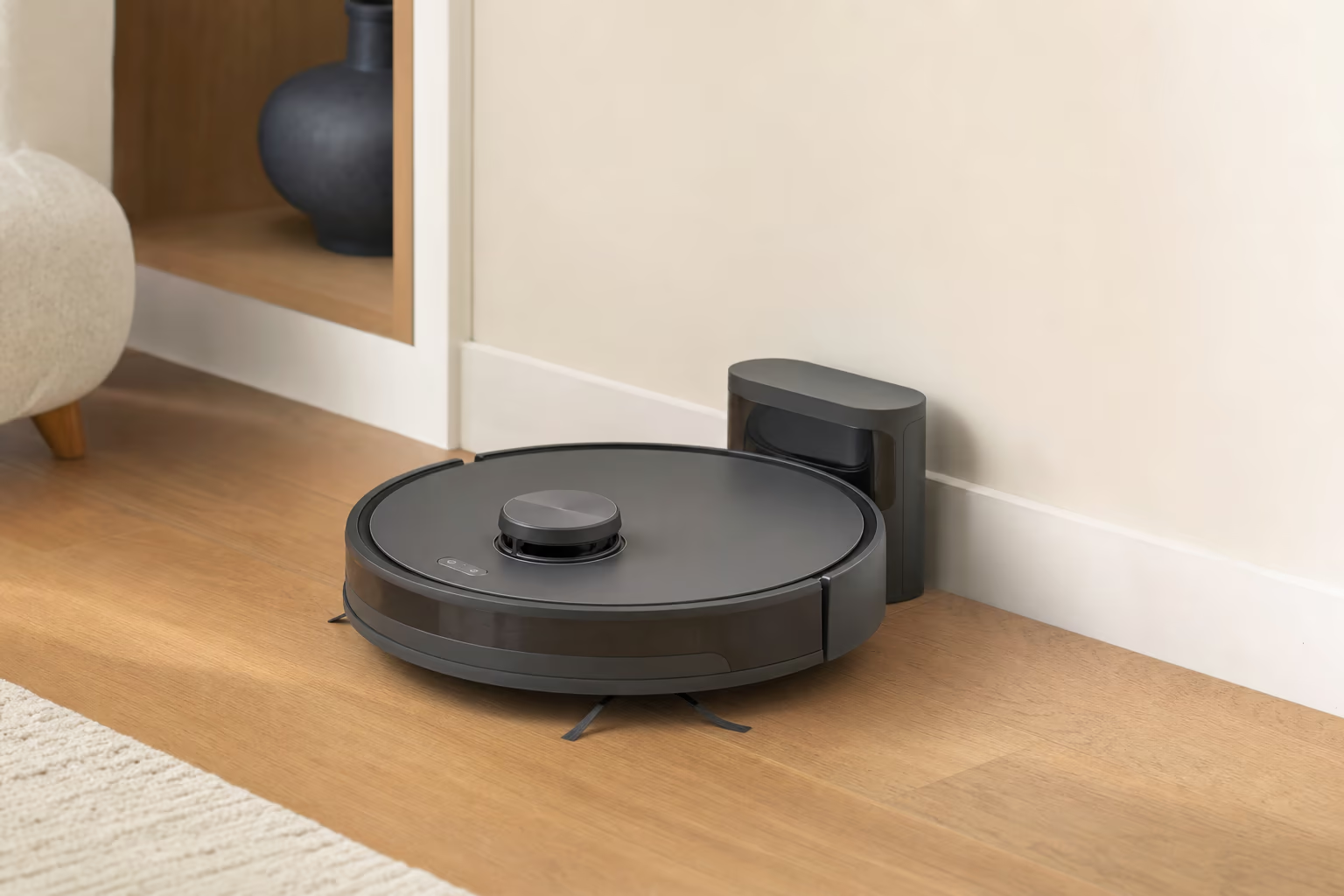
A robot vacuum has a battery, a suction motor, a dust bin, side brushes and a main brush, plus many sensors (cliff, bump, lidar or camera, gyroscope) and a Wi-Fi module for the app. We work on iRobot Roomba, Xiaomi, Ecovacs, Eufy, Samsung and LG models. Common faults: a worn battery, dirty or faulty sensors, brushes jammed with hair, damaged wheels, Wi-Fi that won't connect, or a corrupted map.
Signs your Robot Vacuum needs service
- The robot wanders randomly and doesn't map the rooms properly
- It falls down the stairs (cliff sensors)
- It bumps into furniture (bump sensors)
- It moves, then stops suddenly
- It doesn't return to the charging dock
- The main brush doesn't spin
- The side brushes are broken
- The battery runs down quickly
- The app won't connect
- A strange noise from the motor
Common technical faults
Faults we often meet when servicing this type.
- 01
A battery that has worn down — if it is swollen or gets very hot while charging, stop charging and call a technician
- 02
Dirty cliff sensors (the ones that stop it falling)
- 03
Faulty bump sensors
- 04
A main brush jammed with hair
- 05
Damaged or jammed wheels
- 06
A faulty Wi-Fi module
- 07
A faulty mapping camera or lidar
- 08
Broken side brushes
- 09
Corroded charging contacts
- 10
Firmware that needs updating
Robot Vacuum repair services
Cleaning the sensors (cliff, bump and camera)
Removing the main brush and clearing it of hair
Replacing damaged wheels
Replacing the side brushes
Wi-Fi module repair
Manual firmware update
Cleaning the charging contacts
Clearing the old map and creating a new one from the app
A full check and a written warranty
Tips to keep your Robot Vacuum running
- Clean the cliff sensors monthly (they are on the underside)
- Clear hair from the main brush every two weeks
- Empty the dust bin after every run
- Update the firmware from the app when prompted
- Don't leave the robot in a room with stairs unless there is a barrier
- Pick up cables and clothes from the floor before starting it
- Keep the charging dock in an open spot, clear of obstacles
Vacuum Cleaner fault guides
Fault guides that apply to this type — causes, safe checks and when to call a technician.
Robot Vacuum repair by brand
Pick your brand to see its common faults and error codes.
Robot Vacuum — frequently asked questions
The robot wanders randomly — what is the cause?
Either the mapping camera or lidar is faulty, the software needs resetting, or the sensors are dirty. A diagnosis will pinpoint which.
The robot falls down the stairs — that is dangerous!
The cliff sensors are usually dirty or faulty. Wipe them with a dry cloth — that fixes it in many cases. If not, the sensors need replacing.
Do you work on iRobot Roomba?
Yes — we repair common Roomba models such as the i3, i7, j7 and s9, as well as Xiaomi (Mi Robot, S10), Ecovacs (Deebot) and Eufy (RoboVac), subject to parts availability.
The robot doesn't return to the charging dock — what should I do?
1) Clean the charging contacts on the robot and on the dock. 2) Make sure the dock is in an open spot. 3) A weak battery may run out before the robot reaches the dock. 4) Otherwise the dock-signal sensors on the robot, or the dock itself, need checking — Wi-Fi plays no part in docking.
Do you set up new robots?
Yes — a full setup: placing the charging dock, connecting Wi-Fi, installing the app, running the first map of your home and showing you how to use it.
How long does a robot vacuum last?
It depends on the model and how much it is used. The battery is usually the first part to weaken, and replacing it brings the robot back to normal.
Other Vacuum Cleaner types
Need a technician for your Robot Vacuum?
Inspection, a clear price before the repair, and a 6-month written warranty.