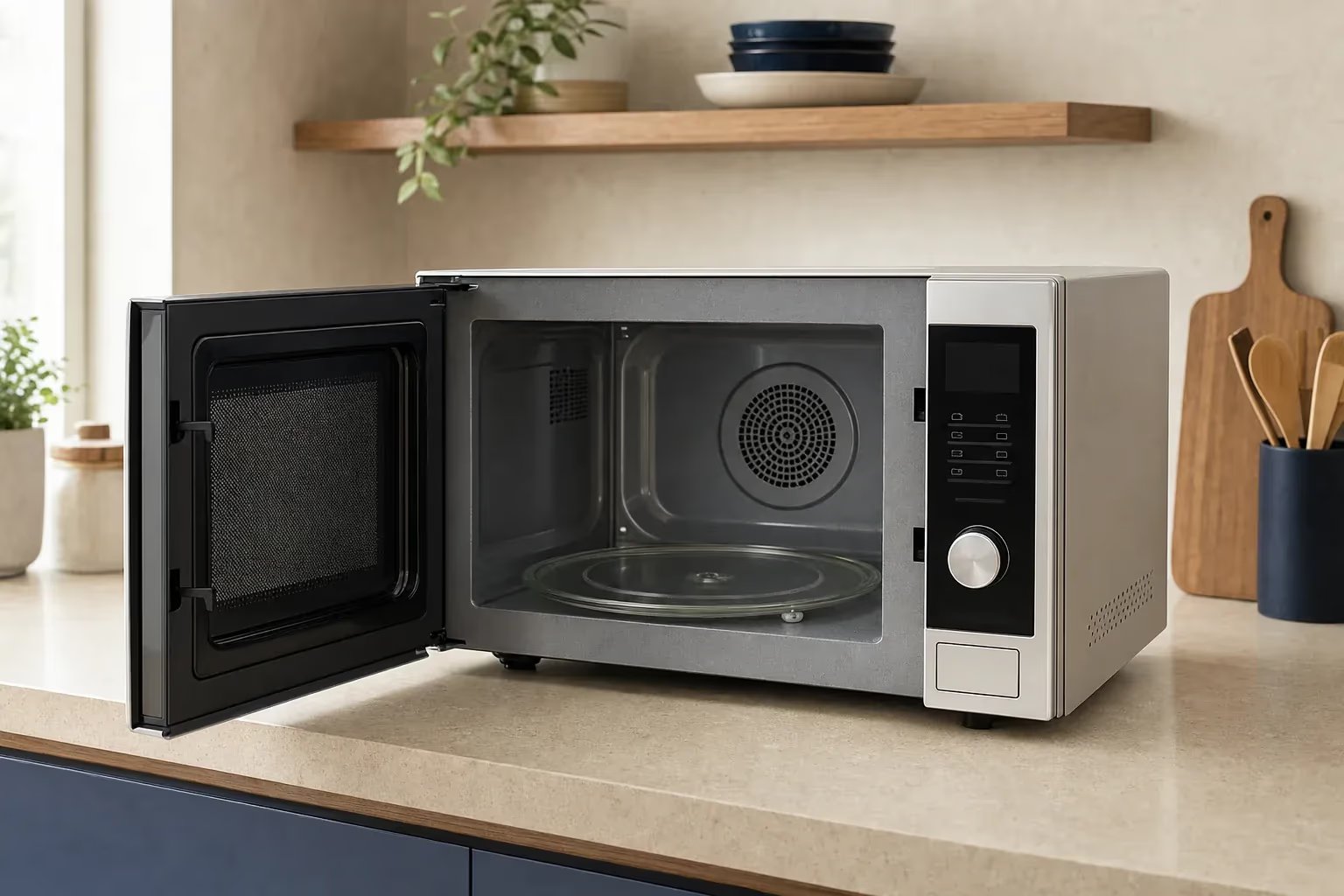
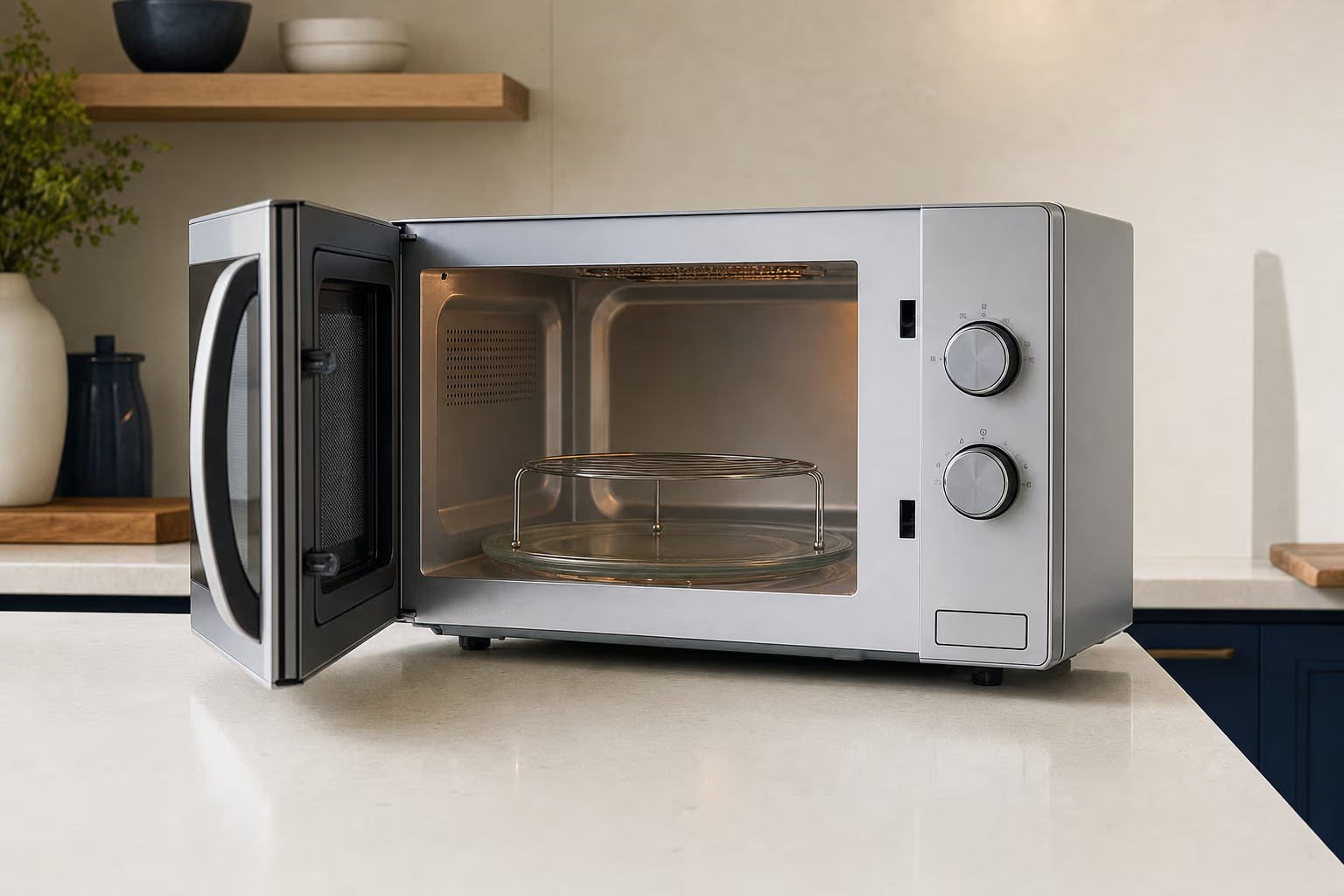
A silver countertop microwave on a pale stone kitchen counter
Calls 24h · Visits 9 AM–9 PM

Microwave Repair in Egypt

Digital, grill, convection and built-in microwave service

6-month written warranty on the repair and the replaced part

Agent Site is an independent repair center — not the manufacturer's authorized service or warranty provider.

6-month warrantyWritten, on the repair and the part
Daily visits9 AM–9 PM
MagnetronOriginal or compatible
Formal invoiceAfter every repair

Microwave not heating, sparking, or the turntable will not turn? We repair digital, grill, convection and built-in microwaves of every brand: the magnetron, door switches, control board, mica sheet and turntable motor. A written quote before any work, original or compatible parts depending on the part and model, and a 6-month written warranty.

Microwave Repair Services

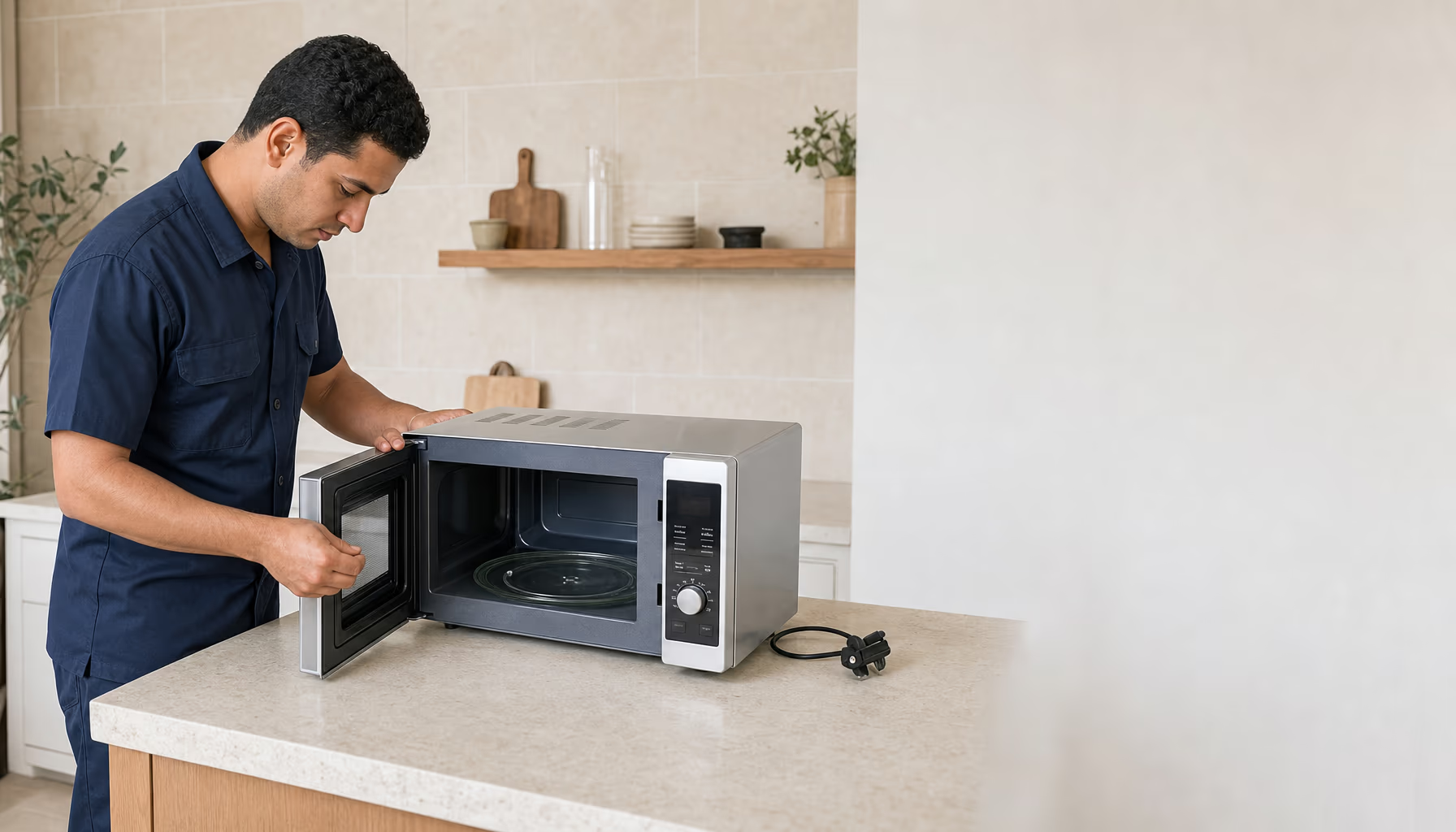
From the magnetron to the control board, from the door switches to the mica sheet — every repair comes with a 6-month written warranty, and the technician tests heating and the door seal in front of you afterwards.

Book a service

Magnetron Replacement

The magnetron is the part that generates the microwaves. The technician confirms by measurement that it is the culprit before replacing it — sometimes the fault is the fuse, diode or capacitor — and fits an original or compatible part to suit the model.
Door Switch Replacement

Three safety switches cut power when the door opens. A faulty one can stop the microwave from starting or blow the internal fuse — the technician tests them and replaces only the faulty one.

Control Board & Touch Panel Repair

Repair of the touch panel and the control board on digital models from Samsung, LG, Sharp, Panasonic and others — voltage swings and moisture are what damage them most.

Mica Sheet Replacement

The mica sheet (the waveguide cover) shields the magnetron opening from grease. Once it is charred or cracked it sparks — and replacing it is one of the simplest, lowest-cost repairs.

Built-in Installation

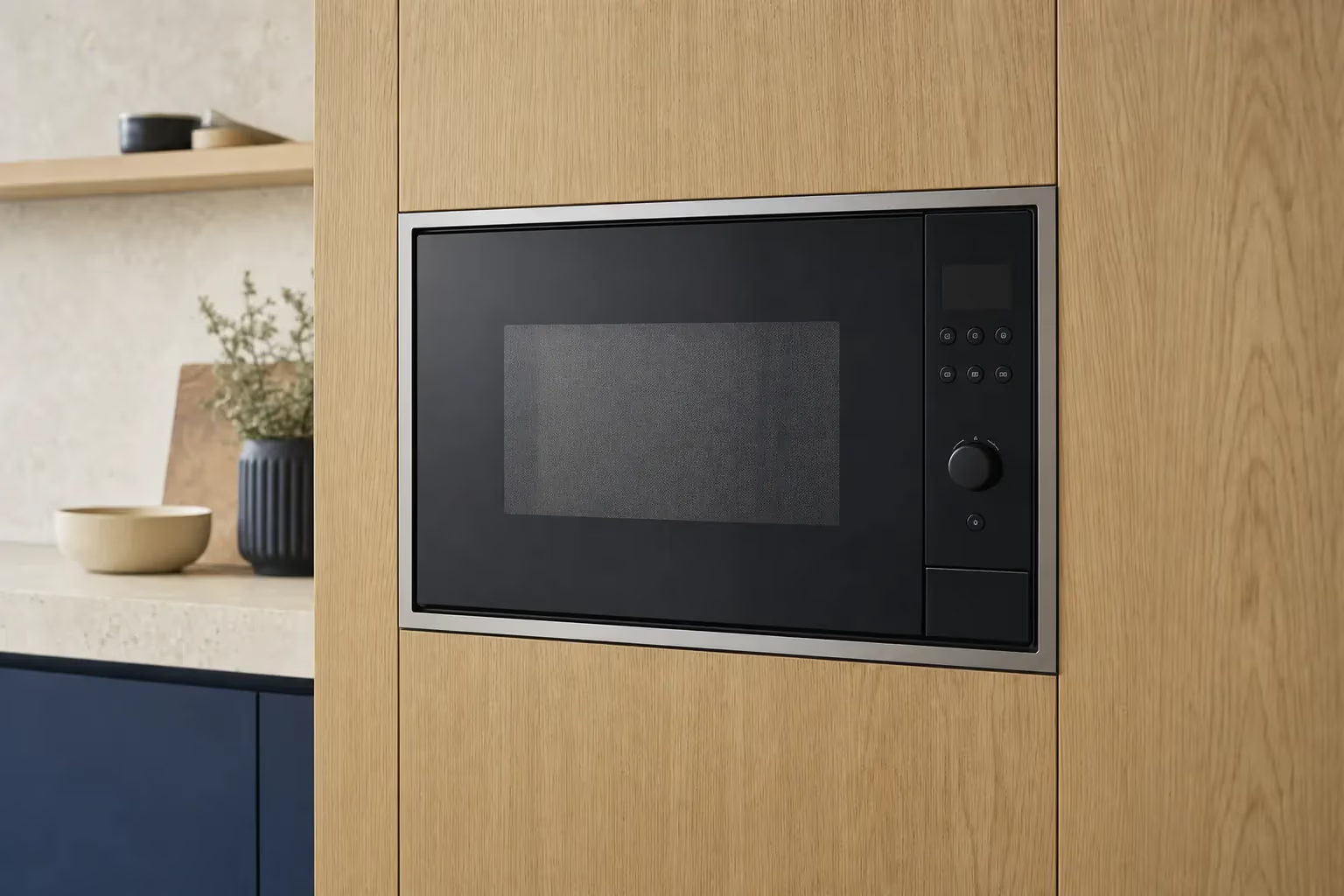
Fitting a built-in microwave into the cabinet to the sizes in its installation guide, with the electrical connection and a test run.

Grill & Convection Repair

If the grill or convection mode will not heat, the technician checks the heating element, the fan, the temperature sensor and the control board, and replaces only what has failed.

Grill & convection

Microwaves service areas

We cover Cairo, Giza, Qalyubia, Alexandria, Matrouh (North Coast), Sharqia, Gharbia, Dakahlia. Not sure about your area? Call 16062 and we confirm before booking.

  • Cairo
  • Giza
  • Qalyubia
  • Alexandria
  • Matrouh (North Coast)
  • Sharqia
  • Gharbia
  • Dakahlia

Common Microwave Faults & Fixes

For each fault: the symptoms, the likely causes, safe checks from outside the unit, and when to call a technician. Never open the microwave casing — the capacitor inside can hold a dangerous charge even after unplugging.

Microwave runs but does not heat

Technician Turntable spins and the light is on, but the food stays cold? Usually a high-voltage fault — magnetron, fuse, diode or capacitor — and a technician has to find which.

This is the most common microwave fault. If the turntable spins and the light is on but the food stays cold, the microwave is not producing microwaves. The fault is usually in the high-voltage circuit — the magnetron, the high-voltage fuse, the diode or the capacitor — and sometimes in a door switch. All of these sit behind the outer casing, next to a capacitor that can hold a dangerous charge even after unplugging, so finding the faulty part is a job for a technician with measuring instruments.

Symptoms

  • The turntable spins and the light is on, but the food stays cold
  • A cup of water is still cold after a minute on full power
  • A louder hum than usual while it runs
  • It stopped heating suddenly after a popping sound

Likely causes

  1. A burnt-out or weak magnetron — a common cause
  2. A blown high-voltage fuse — it usually blows because another part failed, so the cause has to be found
  3. A failed high-voltage diode
  4. A faulty high-voltage capacitor
  5. A faulty door switch
  6. A failed high-voltage transformer (rare)

Safe checks before you call a technician

  1. Water-cup test Put a cup of water in a microwave-safe container and run it for one minute on full power. If the water stays cold, the microwave is not producing microwaves — the cause may be the magnetron, the high-voltage fuse, the diode, the capacitor or a door switch, and a technician has to measure them to tell which. Never run the microwave empty — there must be food or water inside.
  2. Power cycle Unplug it for 5 minutes, then plug it back in. This sometimes clears a temporary control-board glitch.

When to stop and call a technician

  • If the cup of water stays cold after these steps
  • Never open the microwave casing yourself — the capacitor inside can hold a lethal charge even after unplugging
  • If you hear a loud hum or see sparks while it runs
Call now 16062

Sparks inside the microwave

Technician Sparks or popping inside the microwave? Stop it right away. Usually a metal container, a charred mica sheet or burnt food residue — sometimes an internal fault.

Sparks inside a microwave are a warning sign. The usual causes are a metal or aluminium container, a cup with a gold or silver rim, a mica sheet (the waveguide cover) charred by grease, or burnt food stuck to the walls. Sometimes the fault is the magnetron or damaged paint inside the cavity. Stop the microwave, unplug it, and do not use it again until you know the cause.

Symptoms

  • Visible sparks inside
  • Popping sounds while it runs
  • A burning smell or light smoke
  • A blackened or cracked mica sheet, or black spots on the walls

Likely causes

  1. A metal or aluminium container, or one with a gold or silver rim (most common)
  2. A mica sheet charred by grease
  3. Burnt food residue on the cavity walls
  4. Peeling paint or rust inside the cavity
  5. A faulty magnetron or high-voltage diode

Safe checks before you call a technician

  1. Stop and unplug Stop the microwave and unplug it immediately. If there are flames inside, keep the door closed; if they do not go out, call the fire service on 180.
  2. Check the container Make sure the container is not metal and has no gold or silver rim, and that there is no foil or twist-tie inside.
  3. Clean the inside Once it has cooled and is unplugged, wipe food residue off the walls and the mica sheet with a cloth, water and a little soap — no knives or steel wool.

When to stop and call a technician

  • If the sparking returns with a suitable container and after cleaning
  • If the mica sheet is charred or cracked — it must be replaced with one of the right size
  • If the cavity wall has rust or peeling paint
  • If the sparks come from the waveguide opening or with an electrical smell
Call now 16062

Turntable not turning

Medium Turntable stuck or turning unevenly? Usually the roller ring or a badly seated plate — otherwise the turntable motor or its coupler.

The turntable spreads the heat through the food; if it stops, the food heats on one side and stays cold on the other. Start with the simple things: the plate seated properly on the coupler in the middle, and the roller ring clean and intact. If all of that is fine and the plate still will not turn, the turntable motor or its coupler is the likely cause — and those sit inside the microwave.

Symptoms

  • The plate does not turn at all
  • The plate turns in jerks or stops and starts
  • Grinding or squeaking from under the plate
  • Food heats on one side only

Likely causes

  1. A dirty or broken roller ring
  2. The plate is not seated properly on the centre coupler
  3. Something stuck under the plate
  4. A broken coupler between the motor and the plate
  5. A failed turntable motor

Safe checks before you call a technician

  1. Remove and clean Take out the plate and the roller ring, wash them in soapy water, and clean any food residue from the floor underneath.
  2. Check the roller ring Look at the roller ring: if a wheel is broken or does not roll freely, the ring needs replacing with one that fits your model.
  3. Seat the plate properly Put the ring back, then the plate, and make sure the recess under the plate sits on the coupler in the middle.

When to stop and call a technician

  • If the plate still does not turn after cleaning and reseating it
  • If the centre coupler is broken or spins freely
  • If you can hear the motor humming but the plate does not move
Call now 16062

Microwave door will not close

Medium Microwave door will not latch or feels loose? Do not use it. The latch, hinges or door switches are at fault — the repair needs a technician.

The door has a latch and three safety switches that cut the heating as soon as it opens. If the door does not close fully, the microwave usually will not start — that is the protection working. But if the door is loose or its edge is damaged and the microwave still runs, microwaves can leak around it, so do not use it until a technician has repaired it and checked that it closes tightly.

Symptoms

  • The door does not close fully or does not click shut
  • The door is loose or sags on its hinges
  • The microwave will not start with the door closed
  • The door edge or glass is cracked or damaged

Likely causes

  1. A worn or broken door latch
  2. Loose or broken hinges
  3. A faulty door switch
  4. A damaged door edge or door glass
  5. A door bent by a knock or by forcing it open

Safe checks before you call a technician

  1. Look the door over Unplug the microwave and look the door over: is the latch or a hinge broken? Is anything stopping it from closing?
  2. Clean the door edge Wipe food residue and grease off the door edge, the frame and the latch area with a damp cloth.
  3. Close it firmly Open the door and close it firmly until you hear the latch click — without slamming it, because slamming breaks the latch and the safety switches.

When to stop and call a technician

  • If the door still does not close fully — do not run the microwave
  • If the door is loose, bent or cracked at the edge
  • If the microwave runs with the door even slightly open — stop it immediately
Call now 16062

Loud microwave noise

Medium Noisy microwave? Grinding under the plate is usually the roller ring or motor, squealing is the cooling fan, and a loud hum from the high-voltage circuit needs a technician.

A light hum while the microwave runs is normal. A loud or strange noise tells you where to look: grinding from below points to the roller ring or the turntable motor, squealing or rubbing from the side or back points to the cooling fan, and a loud hum or electrical buzz points to the magnetron or the high-voltage transformer — those are a technician's job.

Symptoms

  • A hum much louder than usual
  • Squealing or rubbing from the fan side
  • Grinding from under the plate
  • The noise gets worse over time

Likely causes

  1. A dirty or broken roller ring
  2. A failed turntable motor
  3. Worn cooling-fan bearings
  4. Something caught in the fan
  5. The convection fan motor (on convection models)
  6. A weak magnetron or the high-voltage transformer (loud hum)

Safe checks before you call a technician

  1. Find where the noise comes from Run the microwave with a cup of water inside (never empty) and listen: is the noise from below, from the side or back (the fan), or from the top?
  2. Clean under the plate If the noise comes from below: unplug the microwave, take out the plate and the roller ring, and clean them and the floor underneath.

When to stop and call a technician

  • If the hum is loud or comes with sparks or a burning smell — stop the microwave
  • If the noise comes from the fan or from inside the unit
  • If the noise continues after cleaning the plate and roller ring
Call now 16062

Control panel not responding

Medium Buttons or touch panel not responding, or a blank display? Try unplugging and switching off the child lock first — then the touch membrane or the control board.

If the buttons or the touch panel do not respond, or the display is blank, start with the simple things: unplug the microwave for a while and make sure the child lock is not on — on many models it locks the keys until it is cancelled. If the problem stays, the fault is usually the touch membrane or its ribbon cable, or the control board itself after a voltage swing or moisture.

Symptoms

  • Some keys work and others do not
  • The display is blank or flickers
  • The microwave starts or beeps on its own
  • The display shows a code or a lock symbol

Likely causes

  1. The child lock is on
  2. A damaged touch membrane
  3. A loose or damaged touch-panel ribbon cable
  4. Moisture or steam inside the panel
  5. A control board damaged by voltage swings

Safe checks before you call a technician

  1. Unplug it for a while Unplug the microwave for 10 minutes, then plug it back in.
  2. Check the child lock If a lock symbol is showing, cancel it as your model's manual explains (often a long press on the stop or lock key).
  3. Clean the panel Wipe the panel with a dry cloth. Do not spray cleaner on it — liquid gets inside the panel.

When to stop and call a technician

  • If the problem stays after unplugging and cancelling the lock
  • If the microwave starts by itself — keep it unplugged until a technician sees it
  • If the display is completely dead
Call now 16062

Breaker trips when the microwave runs

Technician Breaker trips as soon as the microwave starts? Leave it unplugged. Usually a short in the high-voltage circuit or a door switch — or an overloaded circuit.

If the breaker trips as soon as the microwave starts, or a few seconds later, there are two possibilities: a short inside the microwave — usually in the high-voltage circuit (capacitor, diode or magnetron) or a failed door switch — or an overloaded circuit if the microwave shares it with a kettle or heater. If the breaker trips only with the microwave, leave it unplugged and do not try it on another socket: this is a technician's job.

Symptoms

  • The breaker trips the moment you press start
  • The breaker trips a few seconds after starting
  • A smell of burning electrics
  • Sparks or scorch marks at the plug or socket

Likely causes

  1. A shorted high-voltage capacitor
  2. A shorted diode or magnetron
  3. A faulty door switch
  4. Burnt internal wiring or a damaged plug
  5. An overloaded circuit: the microwave shares it with a kettle or heater

Safe checks before you call a technician

  1. Unplug the microwave With the breaker down the socket is dead: unplug the microwave first, then reset the breaker. If there is a burning smell or scorching at the socket, leave the breaker off and call a technician.
  2. Do not try another socket If the breaker trips only with the microwave, leave it unplugged — it is most likely an internal short. If it was running together with a kettle or heater on the same circuit, do not run them at the same time again.

When to stop and call a technician

  • If the breaker tripped with the microwave — do not use it until a technician has checked it
  • If there is a burning smell, sparks or scorching at the plug
  • If the plug or cable is hot or damaged
Call now 16062

Microwave will not start

Medium Microwave dead, or the display works but it will not start? Check the socket and the door first — then the internal fuse, the door switches or the control board.

If the microwave is completely dead (blank display, no sound), or the display works but nothing happens when you press start, first check the socket and the breaker and make sure the door is fully closed. If all of that is fine, the usual causes are a blown internal fuse (often blown by a door switch), a faulty door switch, or the control board.

Symptoms

  • A blank display and no sound at all
  • The display works but the microwave will not start
  • The light and the fan do not come on
  • It died suddenly after a popping sound

Likely causes

  1. The socket, the breaker or the power cable
  2. The door is not fully closed
  3. A blown internal fuse
  4. A faulty door switch
  5. The control board or control panel

Safe checks before you call a technician

  1. Check the socket Plug another appliance into the same socket and check the breaker in the panel.
  2. Check the door Open the door and close it firmly until the latch clicks, and make sure no food residue is in the way. The safety switches stop the microwave from starting unless the door is fully closed.
  3. Power cycle Unplug it for 5 minutes, then plug it back in.

When to stop and call a technician

  • If the socket works, the door is closed and it still will not start
  • If it died after a popping sound — usually the internal fuse, which sits behind the casing
  • Do not replace the internal fuse yourself — the reason it blew has to be found
Call now 16062

Grill not working

Medium Grill not heating while normal microwave mode works? Usually the grill element, the relay or switch that powers it, or the control board.

On grill and convection microwaves, if normal microwave mode works but the grill does not heat, the usual cause is a burnt-out grill element, the relay or switch that powers it, or the control board. A simple sign: a working element glows or gives off clear heat from the top within the first minute.

Symptoms

  • The element does not glow in grill mode
  • Food does not brown
  • Normal microwave mode works but the grill does not
  • Smoke or a smell of burnt grease from the top

Likely causes

  1. A burnt-out grill element
  2. A faulty grill relay or switch
  3. The control board is not switching on grill mode
  4. A loose wire on the element
  5. The overheat protection trips because the cooling fan is weak

Safe checks before you call a technician

  1. Watch the element Run grill-only mode for one minute and look through the window: if the element does not glow and there is no heat from the top, the element or whatever powers it is the likely fault.
  2. Clean off the grease Once it has cooled and is unplugged, wipe the grease from around the element and the cavity roof with a damp cloth — no harsh cleaners or sharp tools.

When to stop and call a technician

  • If the element does not glow at all
  • If the grill cuts out by itself after a few minutes
  • If there are sparks or scorch marks at the element ends
Call now 16062

Microwave types where this fault is common: Grill MicrowaveConvection Microwave

Error code on the display

Medium Microwave showing a code such as SE or C-d0? Code meanings depend on the brand and model — send us a photo with the model number on WhatsApp.

Digital models show codes to help with diagnosis, and a code means different things on different brands and models. One documented example: on Samsung microwaves, SE or C-d0 means a touch key has been pressed or stuck for more than 10 seconds — wipe the panel, unplug the microwave for a minute and plug it back in. For any other code, send a photo of the code and the model label on WhatsApp 01050887010 and we will tell you what it means.

Symptoms

  • A code stays on the display and the microwave will not start
  • The code appears a few seconds after starting
  • The code clears and comes back
  • Continuous beeping with the code

Likely causes

  1. A stuck or pressed touch key (such as SE or C-d0 on Samsung)
  2. Moisture or steam on the control panel
  3. The temperature or steam sensor
  4. A problem with the door or its switches
  5. A control-board fault

Safe checks before you call a technician

  1. Photograph the code Take a photo of the code and the model label (usually on the back or inside the door frame) and send them on WhatsApp.
  2. Wipe the panel and unplug Wipe the control panel with a dry cloth, unplug the microwave for 10 minutes, then plug it back in.

When to stop and call a technician

  • If the code comes back after unplugging
  • If the code shows and the microwave does not heat
  • If several different codes appear
Call now 16062

Smoke or burning smell

Technician Smoke or a burning smell from the microwave? Stop it and unplug it. Smoke from burnt food is simple to deal with; anything else, do not use it.

Smoke from a microwave has to be taken seriously. Light smoke from burnt food inside the cavity is usually not a fault. But smoke from the side or back vents, a plastic or electrical smell, or sparks can mean a burnt mica sheet, a failing magnetron or burnt internal wiring. Stop the microwave, unplug it, and do not use it until it has been diagnosed.

Symptoms

  • Light smoke from burnt food inside
  • Smoke from the side or back vents
  • A smell of burning plastic or electrics
  • Sparks with the smoke

Likely causes

  1. Burnt food inside the cavity (not a fault)
  2. A mica sheet charred by grease
  3. Grease built up inside the cavity
  4. A plastic container that is not microwave-safe has melted
  5. The magnetron or burnt internal wiring

Safe checks before you call a technician

  1. Stop and unplug Stop the microwave and unplug it, or switch off the breaker if you can reach it safely. If the smoke is only from burnt food, open the windows to air the room. If there are flames inside, keep the door closed; if they do not go out or spread outside, call the fire service on 180.
  2. Clean once it has cooled If the smoke came from burnt food: once it has cooled, remove the food and wipe the cavity and the mica sheet with a damp cloth.

When to stop and call a technician

  • Any smoke that is not from burnt food
  • A smell of burning plastic or electrics
  • If the microwave keeps smoking after it is unplugged
Call now 16062

Burnt mica sheet

Simple Mica sheet (the waveguide cover) blackened or cracked? Stop using the microwave — a charred sheet sparks, and replacing it is one of the simplest repairs.

The mica sheet is the small panel on the cavity wall — usually high up on one side — that covers the waveguide opening and shields it from grease and food splatter. When grease builds up on it and chars, it starts to spark and can damage the magnetron. Replacing it with a sheet cut for your model is one of the simplest and cheapest repairs.

Symptoms

  • The sheet is blackened or has charred spots
  • The sheet is broken, cracked or missing
  • Sparks near the sheet
  • A faint burning smell while it runs

Likely causes

  1. Grease and food splatter built up on the sheet and charred
  2. Heating food without a cover
  3. Cleaning the sheet with a sharp tool or a harsh cleaner
  4. A knock that broke the sheet

Safe checks before you call a technician

  1. Inspect the sheet Unplug the microwave and look at the sheet: if it is blackened or cracked, it needs replacing.
  2. Stop using it Do not run the microwave until the sheet is replaced — running it with a charred sheet causes sparking and can damage the magnetron.

When to stop and call a technician

  • If the sheet is charred or cracked — it must be replaced with one of the same size
  • If it sparks or smokes
  • If heating has weakened after sparking
Call now 16062

Microwave light not working

Simple Microwave light out? Usually the bulb has blown — but on many models it sits behind the outer casing, so replacing it is a technician's job.

The microwave light illuminates the cavity while it runs and when the door opens. If it stops working but the microwave still heats normally, the bulb itself has usually blown. It is typically a small 20–25 W bulb or an LED. On a few models the bulb has a cover inside the cavity, but on most it sits behind the outer casing — in that case do not replace it yourself; call a technician.

Symptoms

  • The light does not come on at all
  • The light flickers
  • The light works with the door open but not while cooking (or the other way round)
  • The light is dim

Likely causes

  1. A blown bulb
  2. Grease or rust in the bulb holder
  3. A loose bulb wire
  4. A faulty door switch that controls the light

Safe checks before you call a technician

  1. Unplug first Unplug the microwave before anything else.
  2. Replace it only if the cover is inside If your model's manual shows the bulb has a cover inside the cavity, replace it with a bulb of the same wattage and type. If reaching it means removing the outer casing, do not do it yourself.

When to stop and call a technician

  • If the bulb sits behind the outer casing
  • If a new bulb still does not light — usually a wire or a switch
Call now 16062

Noisy cooling fan

Medium Microwave cooling fan squealing or rubbing? Usually worn fan bearings or something caught in the blades — the fan sits behind the casing, so it is a technician's job.

The cooling fan cools the magnetron and the control board while the microwave runs, and on many models it keeps going for a while after cooking ends — that is normal. If it has become loud, squeals or rubs, the bearings are usually worn or something is caught in the blades. The fan sits behind the outer casing next to the capacitor, so do not try to reach it yourself; a failing fan lets the magnetron overheat and shortens its life.

Symptoms

  • Squealing or rubbing from the side or back
  • Clicking or knocking from the fan area
  • The casing is hotter than usual
  • The microwave cuts out while running

Likely causes

  1. Worn fan bearings
  2. Dust or an insect in the blades
  3. A broken or unbalanced blade
  4. A weak fan motor
  5. Grease built up on the fan

Safe checks before you call a technician

  1. Clean the vents from outside Unplug the microwave and brush the vents from outside with a dry brush. Do not remove the outer casing or push anything into the vents.
  2. Leave room to breathe Make sure the vents are not blocked by the wall or by things around the microwave.

When to stop and call a technician

  • If the noise continues after cleaning the vents from outside
  • If the fan has stopped and the casing gets hot
  • If the microwave cuts out while running
Call now 16062

How We Work

  1. 01

    Call or WhatsApp

    Reach us on 16062 or WhatsApp 01050887010, and describe the problem in a minute.

  2. 02

    Your visit is scheduled

    Technician visits daily from 9 AM to 9 PM — at the earliest available slot for your area.

  3. 03

    Diagnosis + written quote

    Instrument-based diagnosis and a written quote — set after inspection, before any work.

  4. 04

    The repair

    Original or compatible replacement parts, depending on the part and model, with a test run before handover.

  5. 05

    6-month written warranty

    Official invoice + 6-month written warranty on the repair and the replaced part.

Book your microwave service

at the earliest available slot for your area

  • 6-month written warranty on the repair and the replaced part
  • Technician visits daily from 9 AM to 9 PM
Call now16062

Your service details

We save your request and call you to confirm the appointment; WhatsApp opens with the details too.

Microwave Repair — Frequently Asked Questions

The questions that come to mind before requesting microwave repair.

How much does microwave repair cost?

The price is set after the inspection: the technician checks the microwave and writes down the price before any work, and you approve it first. It depends on the part (a mica sheet costs far less than a magnetron or a control board), the model, and whether the part is original or compatible. After the repair you get a formal invoice and a 6-month written warranty.

What is the response time for microwave repair?

Visits run daily from 9 AM to 9 PM, at the earliest available slot for your area. The 16062 hotline answers 24 hours a day and books your visit.

Do you work on every microwave brand?

Yes — every international and local brand: Samsung, LG, Sharp, Toshiba, Panasonic, Fresh, Daewoo, Bosch, Universal and others. Original or compatible parts, depending on the part and model.

Is there a warranty on the repair?

Yes — a 6-month written warranty on the repair and the replaced part, with a formal invoice. If the same fault comes back within the warranty period, call us on 16062.

Can I open the microwave to clean it or change a part myself?

No. Behind the outer casing is a high-voltage capacitor that can hold a lethal charge even after the microwave is unplugged. What you can safely do: clean the cavity and the mica sheet with the microwave unplugged, brush the vents from outside with a dry brush, and replace the turntable plate or the roller ring. Anything behind the casing is a job for the technician.

Do you install new microwaves?

Yes — we install the microwave, connect it and test it, including fitting built-in microwaves into the cabinet to the sizes in the installation guide.

Hotline 16062 answers calls around the clock

Need microwave service now?

A specialist microwave technician at the earliest available slot for your area. Formal invoice + a 6-month written warranty.

← All devices