
Replacing the touch membrane or its ribbon cable
Microwaves
Digital Microwave Repair
Digital microwave repair in Egypt — unresponsive touch panel, blank display, not heating or turntable stuck. Clear price before work, 6-month written warranty.
Agent Site is an independent repair center — not the manufacturer's authorized service or warranty provider.
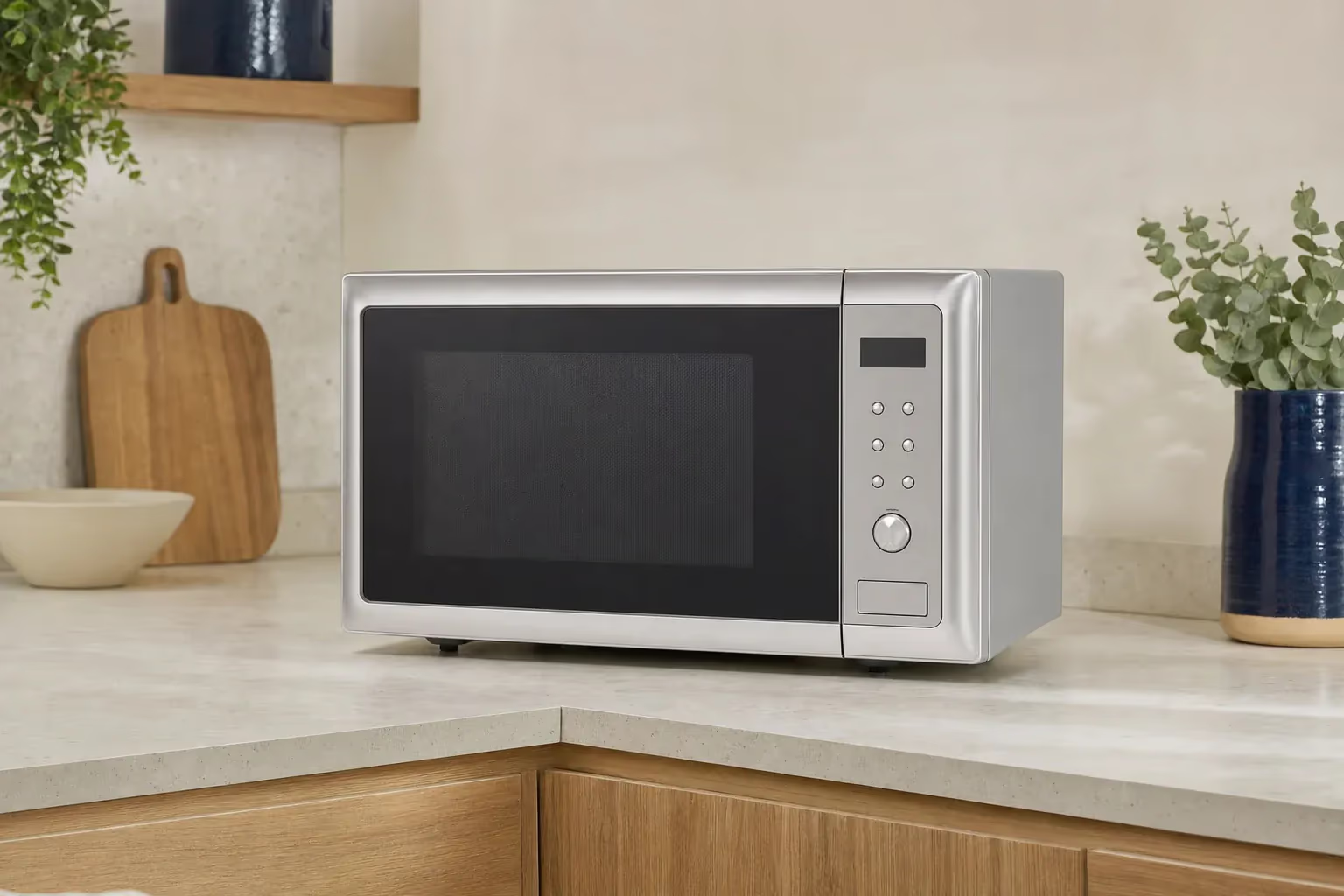
The digital microwave is the most common type in homes and offices. It heats food with microwaves produced by the magnetron, and what sets it apart is the touch panel, the display and the control board that set time and power. Faults in the digital part have their own signs: keys that do not respond because the touch membrane or its ribbon cable has failed, a display that is blank or shows only the clock, the child lock left on so the microwave ignores commands, or — on some models — demo mode switched on by mistake, so the microwave lights up and counts down without heating. The control board itself is sensitive to voltage swings and moisture. Heating faults (the magnetron, high-voltage fuse, diode and capacitor) are the same in every type of microwave and are covered on the main microwave repair page.
Signs your Digital Microwave needs service
- The touch panel or some keys do not respond
- The display is blank or shows only the clock
- A code or a lock symbol on the display
- It counts down with the light on, but the food does not heat
- It starts or beeps on its own
- The turntable does not turn
- Sparks or a burning smell inside
- The home breaker trips when the microwave runs
Common technical faults
Faults we often meet when servicing this type.
- 01
A damaged touch membrane or ribbon cable
- 02
A control board damaged by voltage swings or moisture
- 03
A failed display or display backlight
- 04
Child lock or demo mode switched on by mistake
- 05
A burnt-out or weak magnetron — a common cause of no heating
- 06
A blown high-voltage fuse — usually because another part failed
- 07
A faulty door switch
- 08
A failed high-voltage diode or capacitor
- 09
A failed turntable motor
- 10
A charred mica sheet
Digital Microwave repair services
Repairing or replacing the control board
Replacing the magnetron with an original or compatible part + a 6-month written warranty
Replacing the high-voltage fuse once the cause of the failure is found
Replacing the door switches (3 safety switches)
Replacing the high-voltage diode and capacitor
Replacing the turntable motor
Replacing the mica sheet
Testing heating and the door seal after the repair
Tips to keep your Digital Microwave running
- Never remove the outer casing — the high-voltage capacitor can hold a lethal charge even after the microwave is unplugged
- Never run the microwave empty — the magnetron overheats and fails
- Do not use metal or aluminium containers, or dishes with a gold or silver rim — they spark
- Wipe the touch panel with a dry or slightly damp cloth — do not spray cleaner on it
- Cover food so grease splatter does not build up on the mica sheet
- If your power supply fluctuates or cuts out often, unplug the microwave during outages or use a voltage stabilizer — the control board is the most sensitive part
- Do not heat eggs in their shells — they explode
- If the door has become loose or does not close fully, stop using the microwave
Microwave fault guides
Fault guides that apply to this type — causes, safe checks and when to call a technician.
Digital Microwave repair by brand
Pick your brand to see its common faults and error codes.
Digital Microwave — frequently asked questions
My digital microwave runs but does not heat — what is the cause?
If the display counts down and the turntable turns but the food stays cold, the microwave is not producing microwaves: usually the magnetron, or the high-voltage fuse, diode, capacitor or a door switch. If your model has a demo mode, check in the manual that it is not switched on. Finding the faulty part takes a technician with measuring instruments — do not open the microwave yourself.
The touch panel does not respond — what should I do?
Unplug the microwave for 10 minutes and plug it back in, make sure the child lock is not on (the manual explains how to cancel it), and wipe the panel with a dry cloth. If it still does not respond, the touch membrane, its cable or the control board is usually at fault, and the technician will pinpoint which.
The display shows a code — what does it mean?
Code meanings depend on the brand and model. For example, on Samsung, SE or C-d0 means a key has been pressed or stuck for more than 10 seconds — wipe the panel, unplug the microwave for a minute and plug it back in. For any other code, send a photo of the code and the model label on WhatsApp 01050887010.
The home breaker trips when I turn on the microwave — why?
Usually a short in the high-voltage circuit (the capacitor, diode or magnetron) or a failed door switch — or sometimes an overloaded circuit shared with a kettle or heater. Leave it unplugged and do not try it again, not even on another socket — this is a technician's job.
Is there a radiation risk if the door is cracked or does not close properly?
Yes — any damage to the door, the latch or the door edge can let microwaves leak. Stop using the microwave until a technician has repaired the door and checked that it closes tightly.
Do you repair Daewoo and Samsung microwaves?
Yes — we repair all the common brands: Daewoo, Samsung, LG, Sharp, Panasonic, Fresh, Kenwood, Black & Decker, Bosch and others, with original or compatible parts depending on the part and model.
What shortens the life of a digital microwave?
Running it empty, grease building up on the mica sheet, voltage swings reaching the control board, and slamming the door. The actual lifespan depends on the brand and how it is used.
Do you install new microwaves?
Yes — we install the microwave, connect it and test it, and fit built-in models into the cabinet to the sizes in the installation guide.
Other Microwave types
Need a technician for your Digital Microwave?
Inspection, a clear price before the repair, and a 6-month written warranty.